








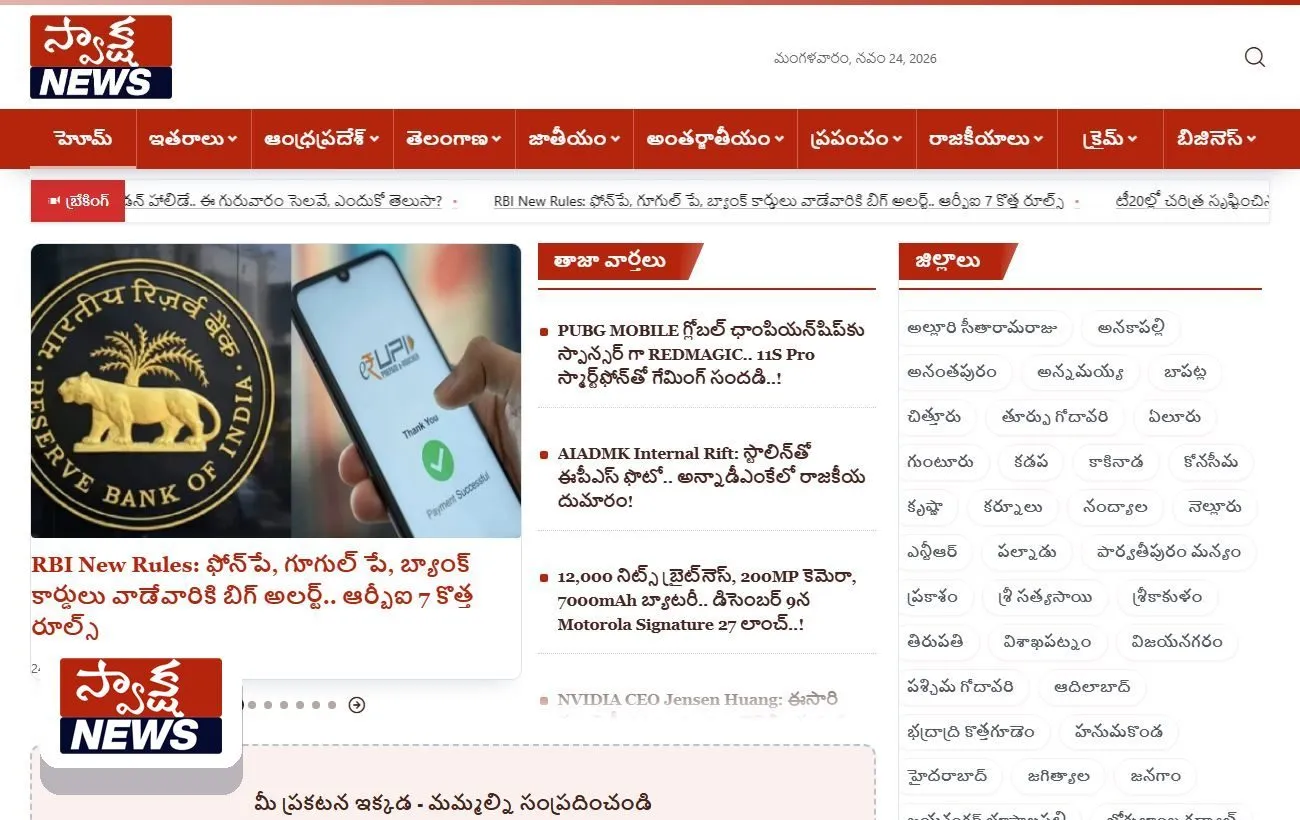

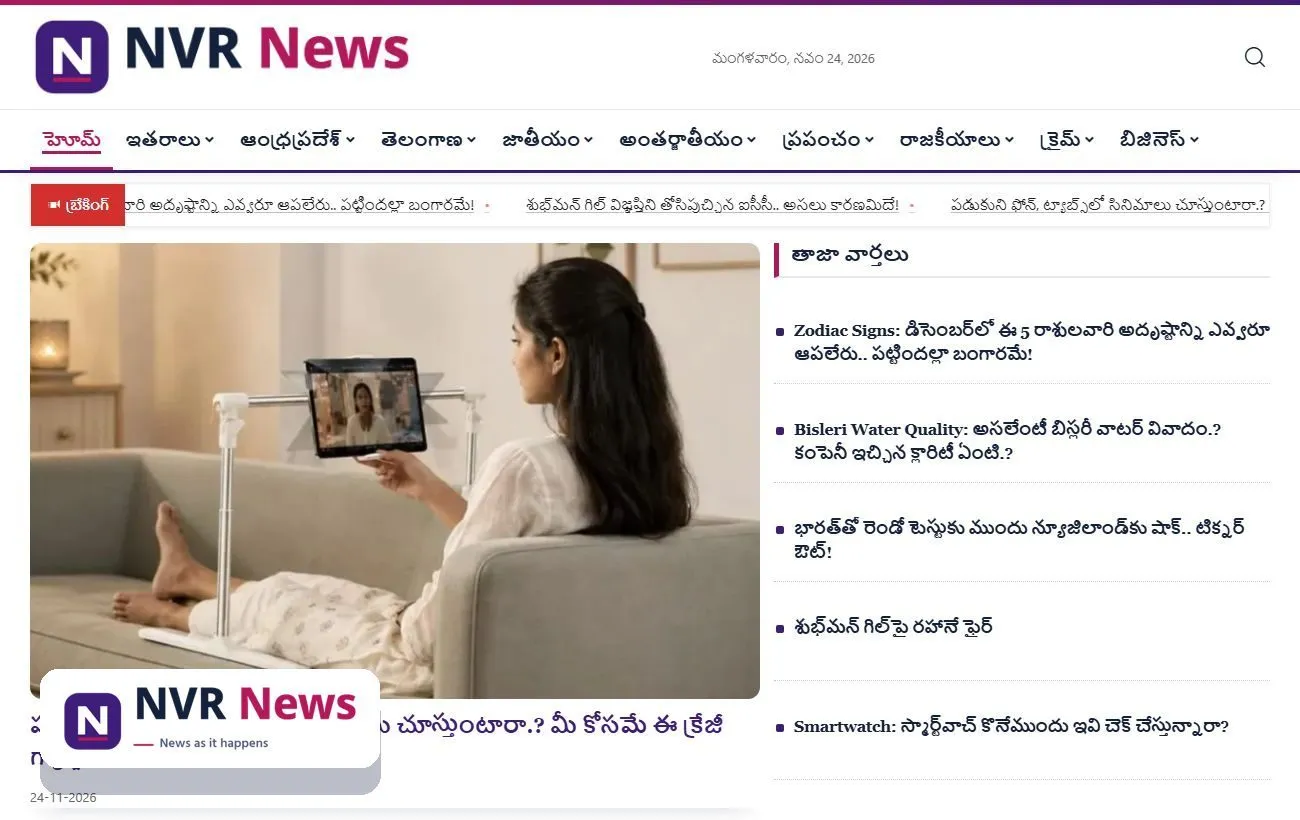

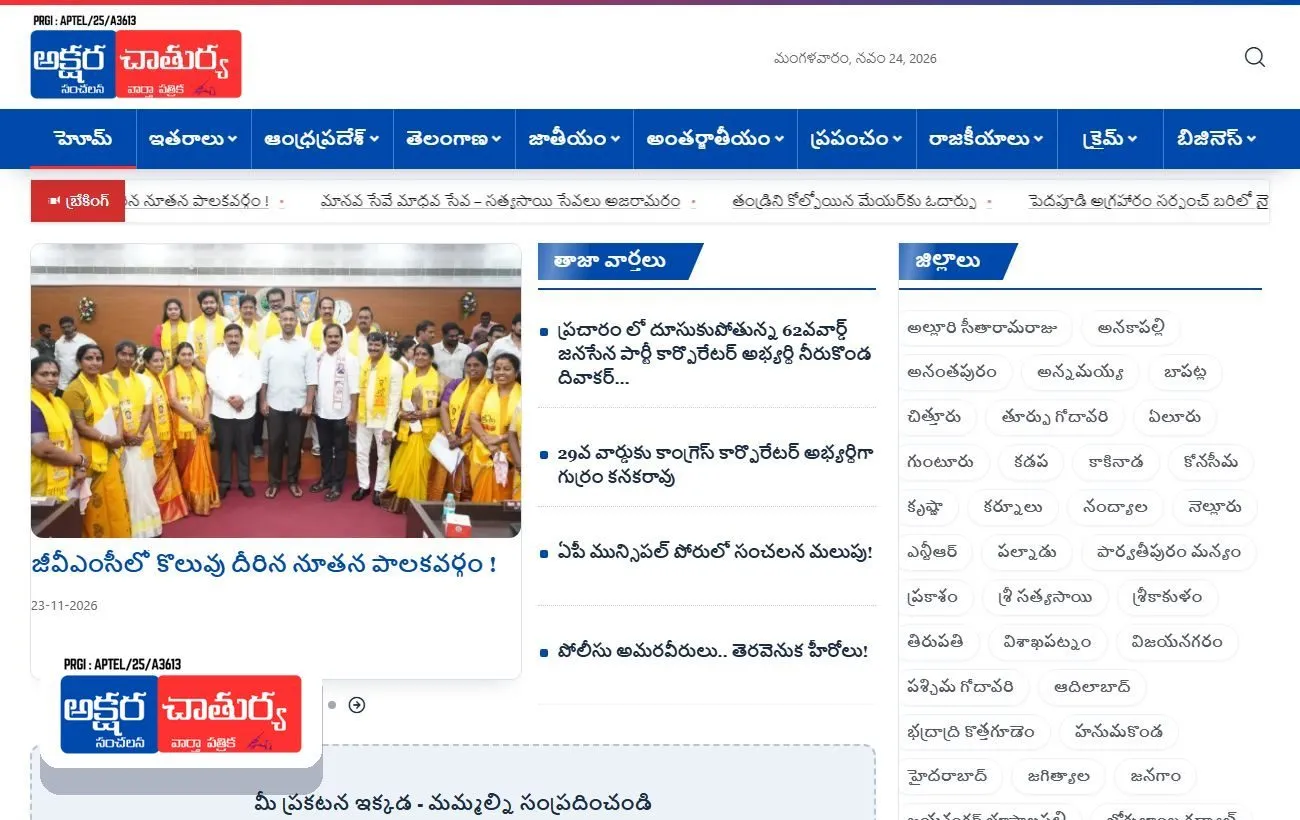
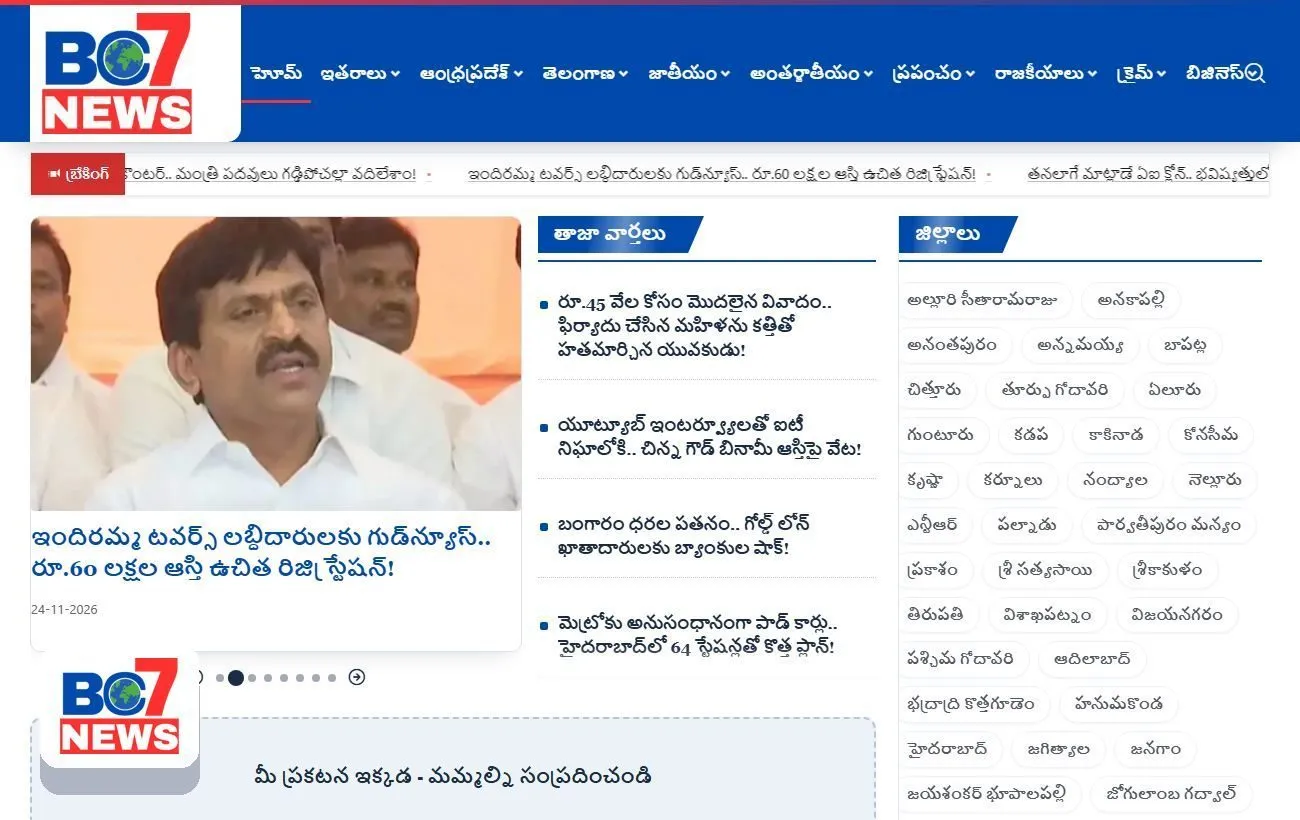





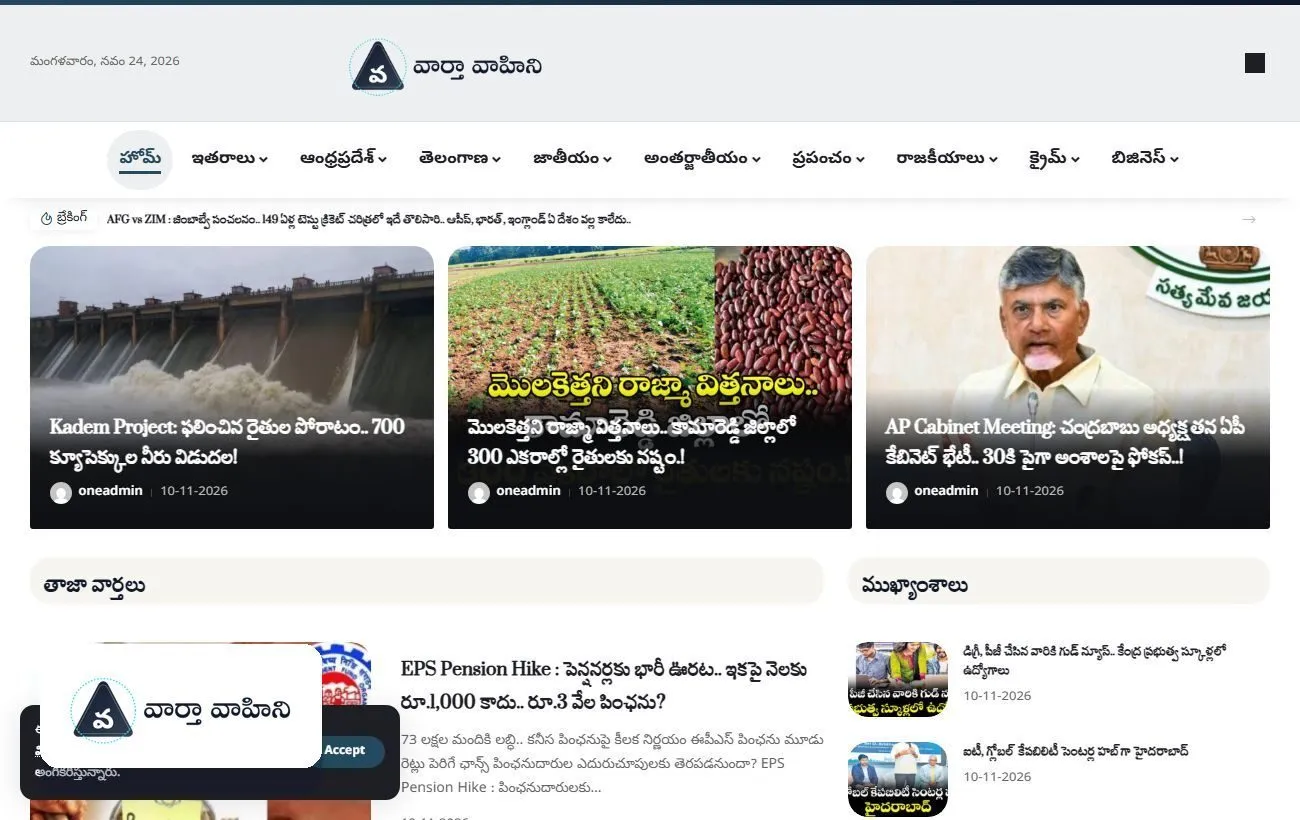
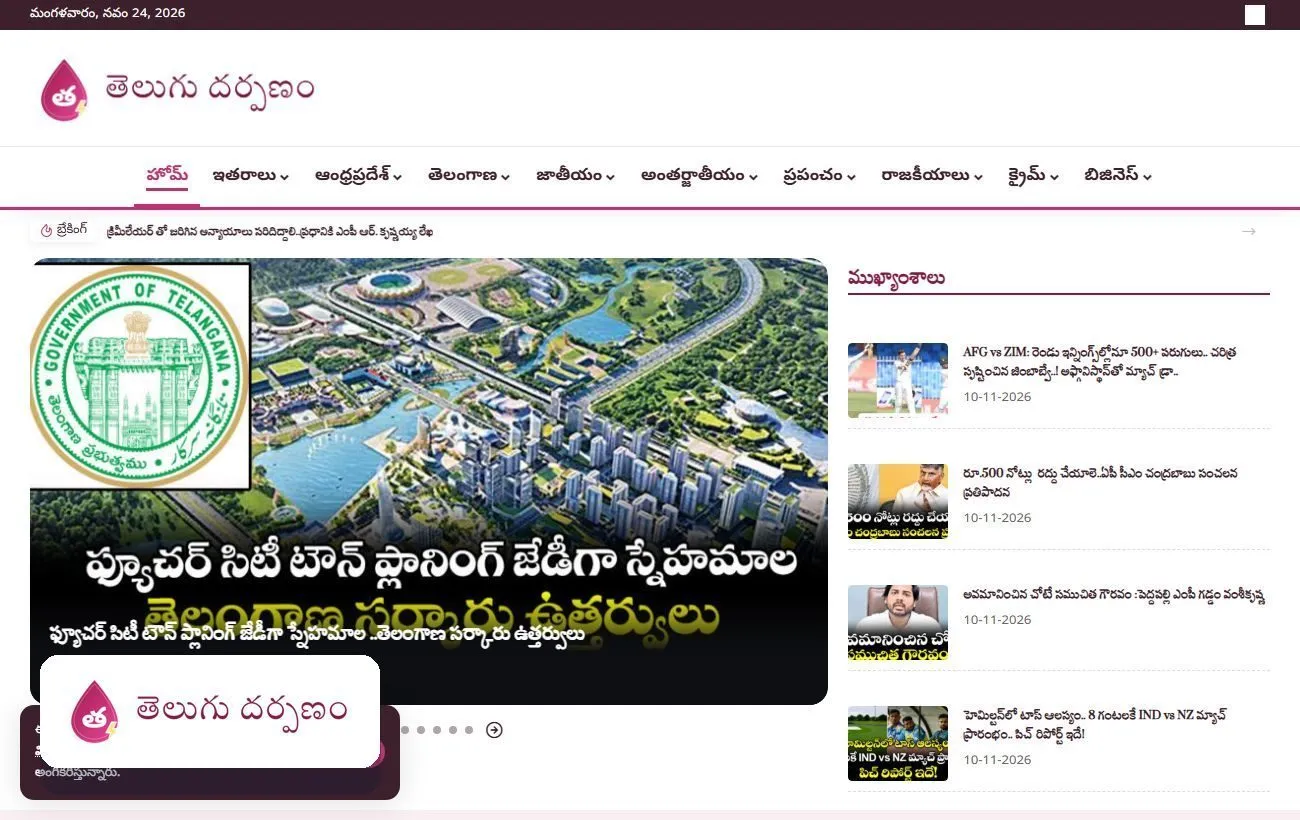

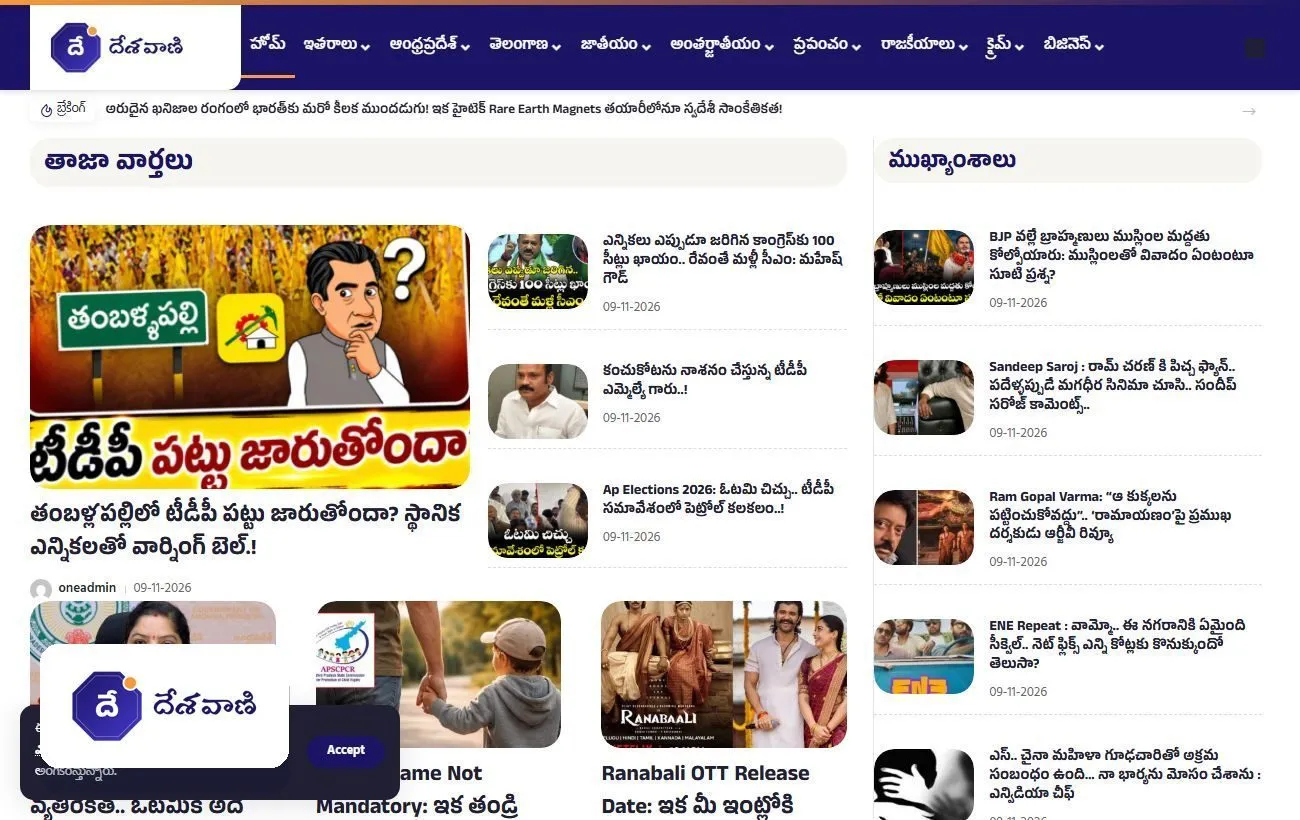

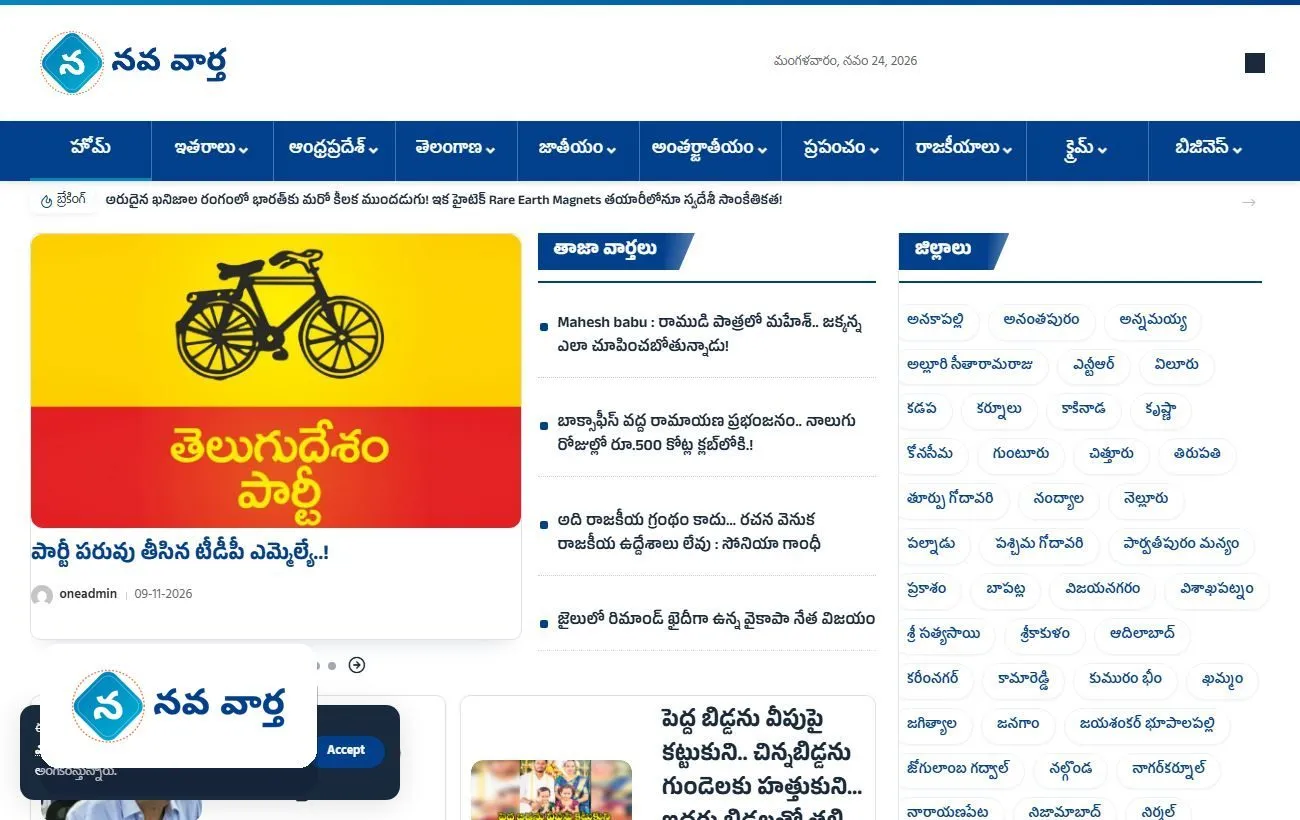

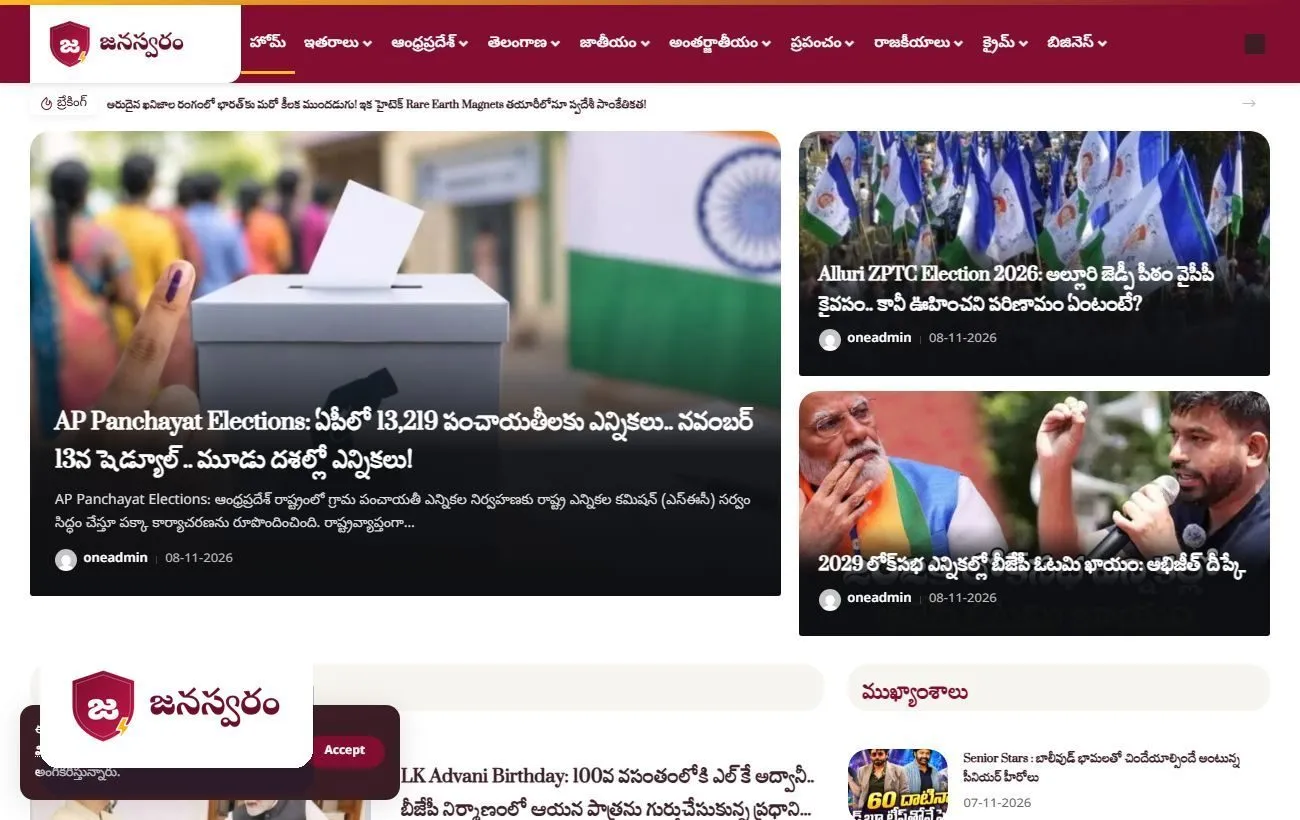


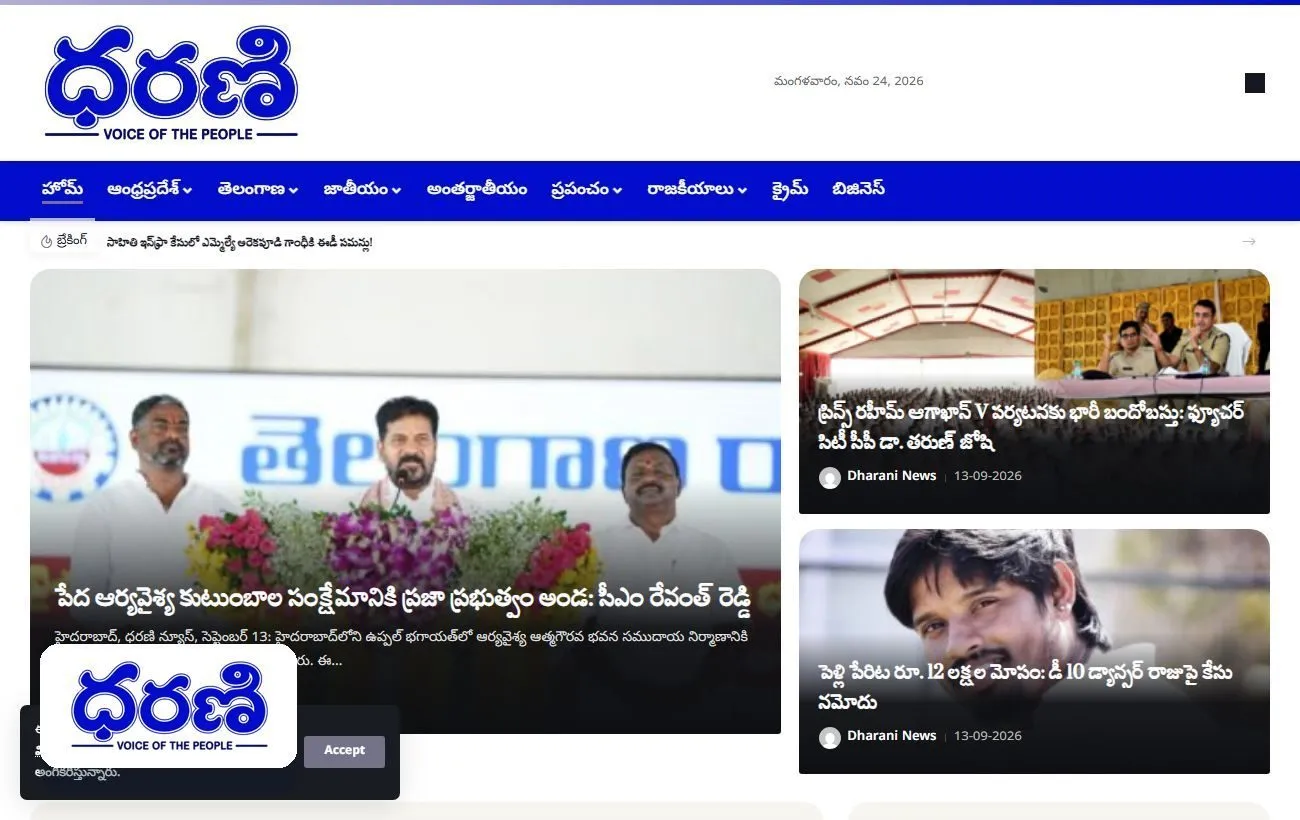
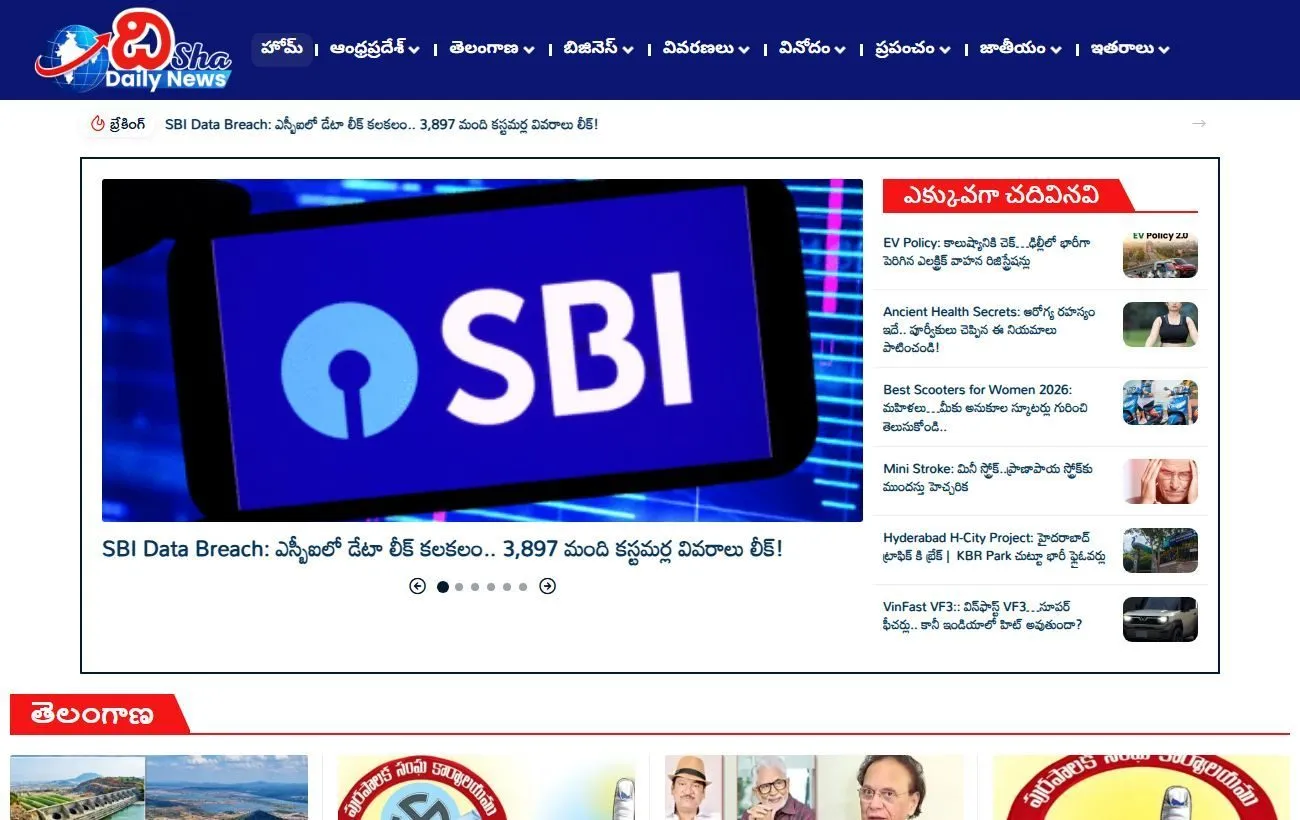
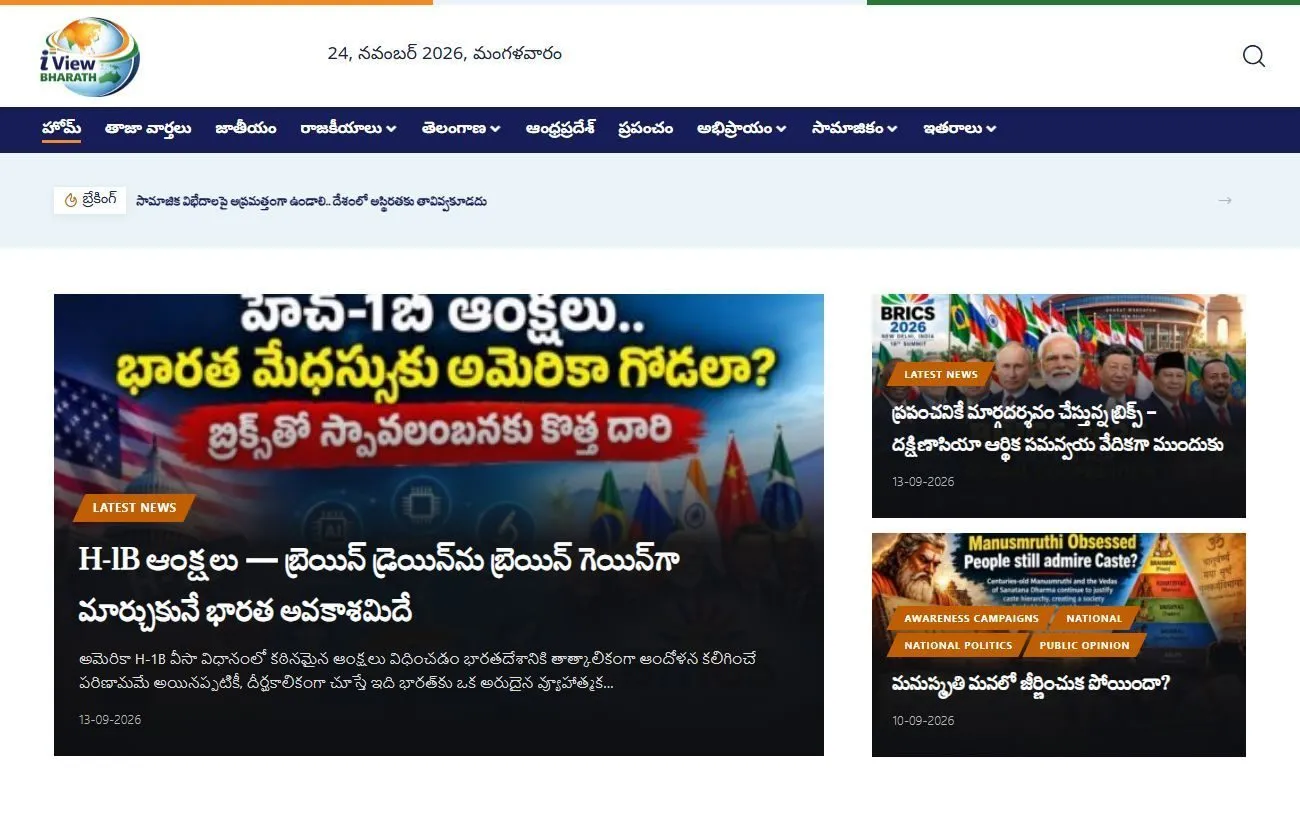


Demo websites
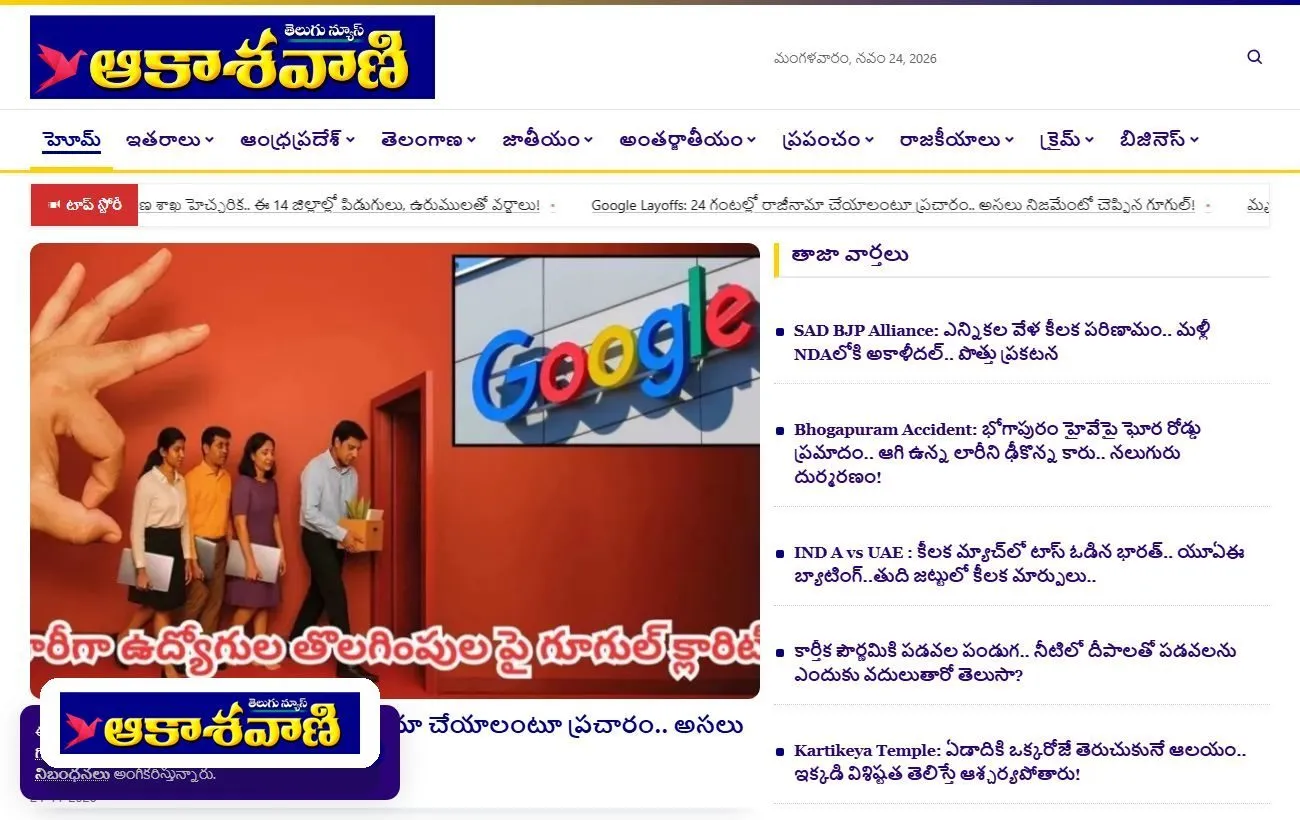
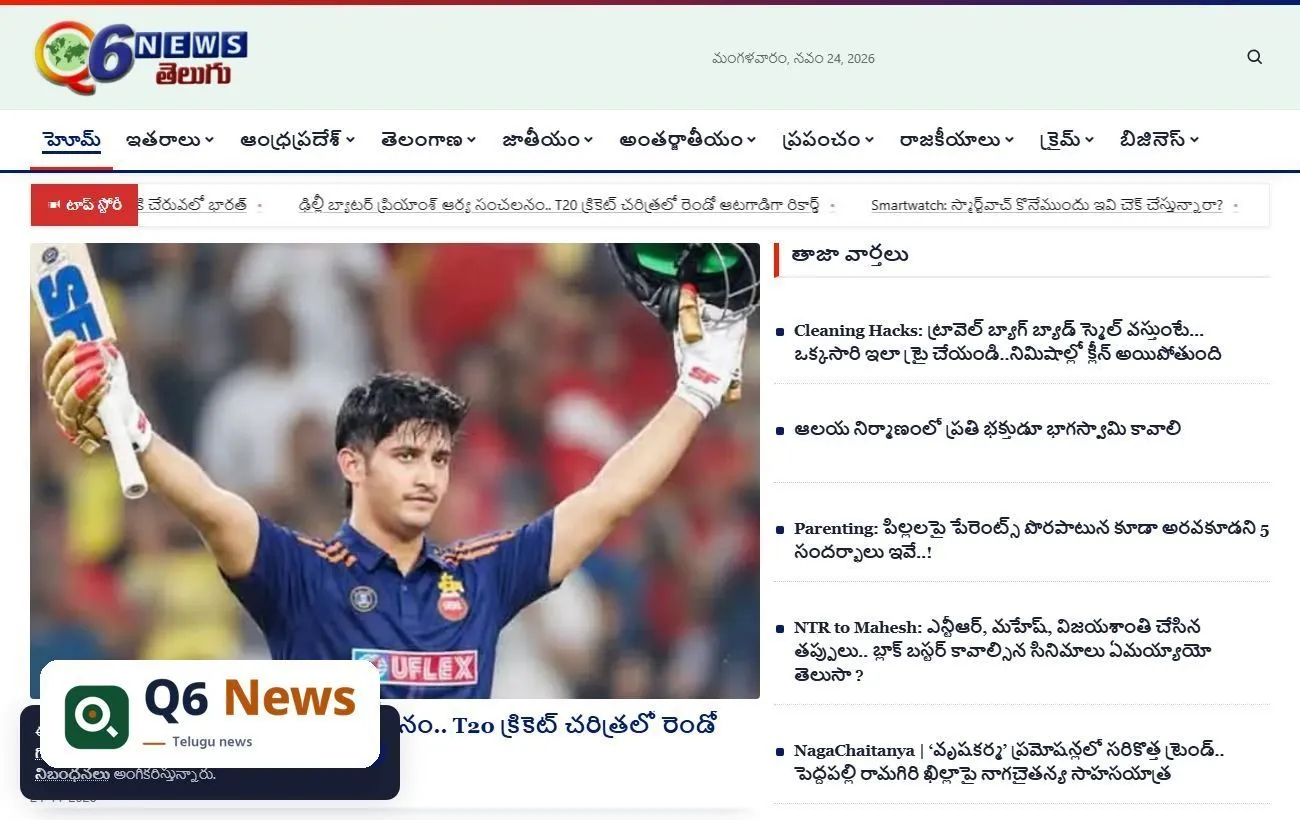
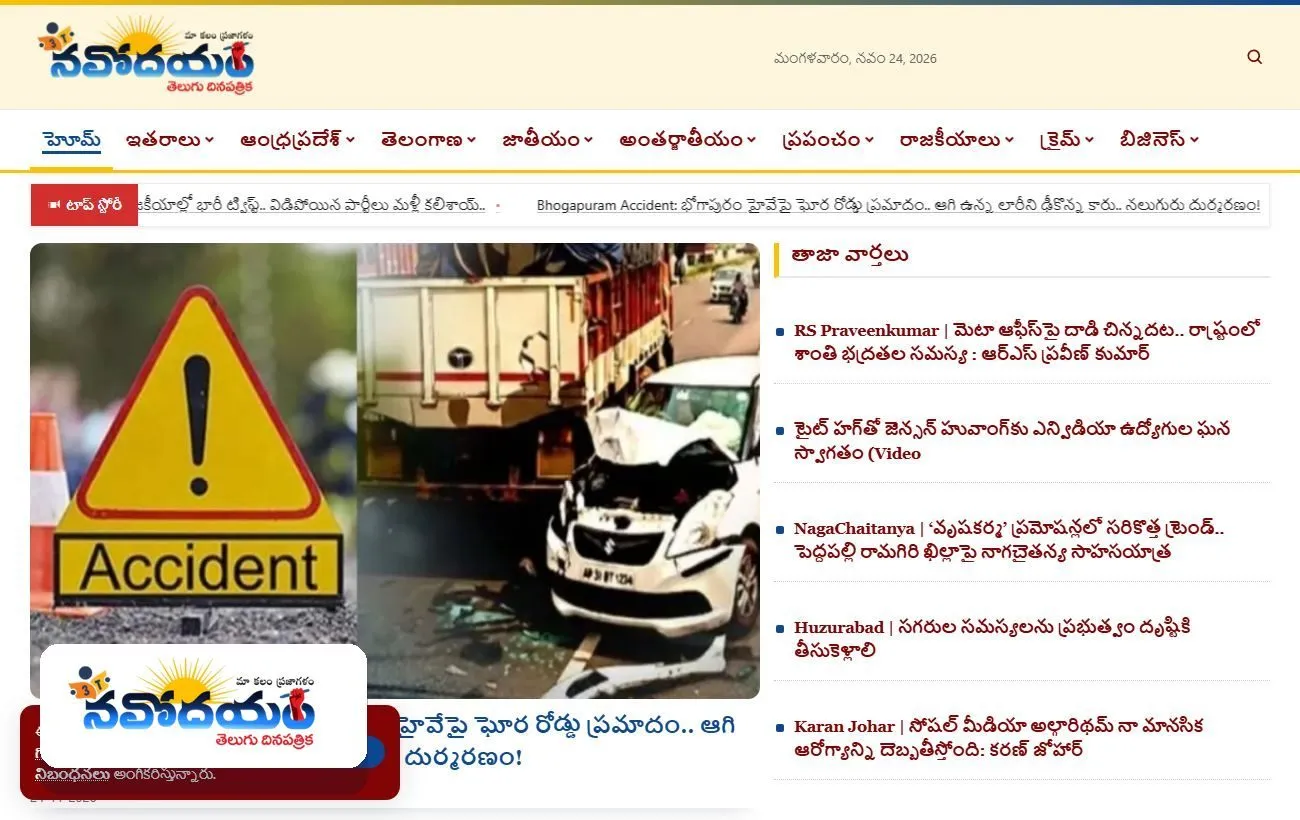
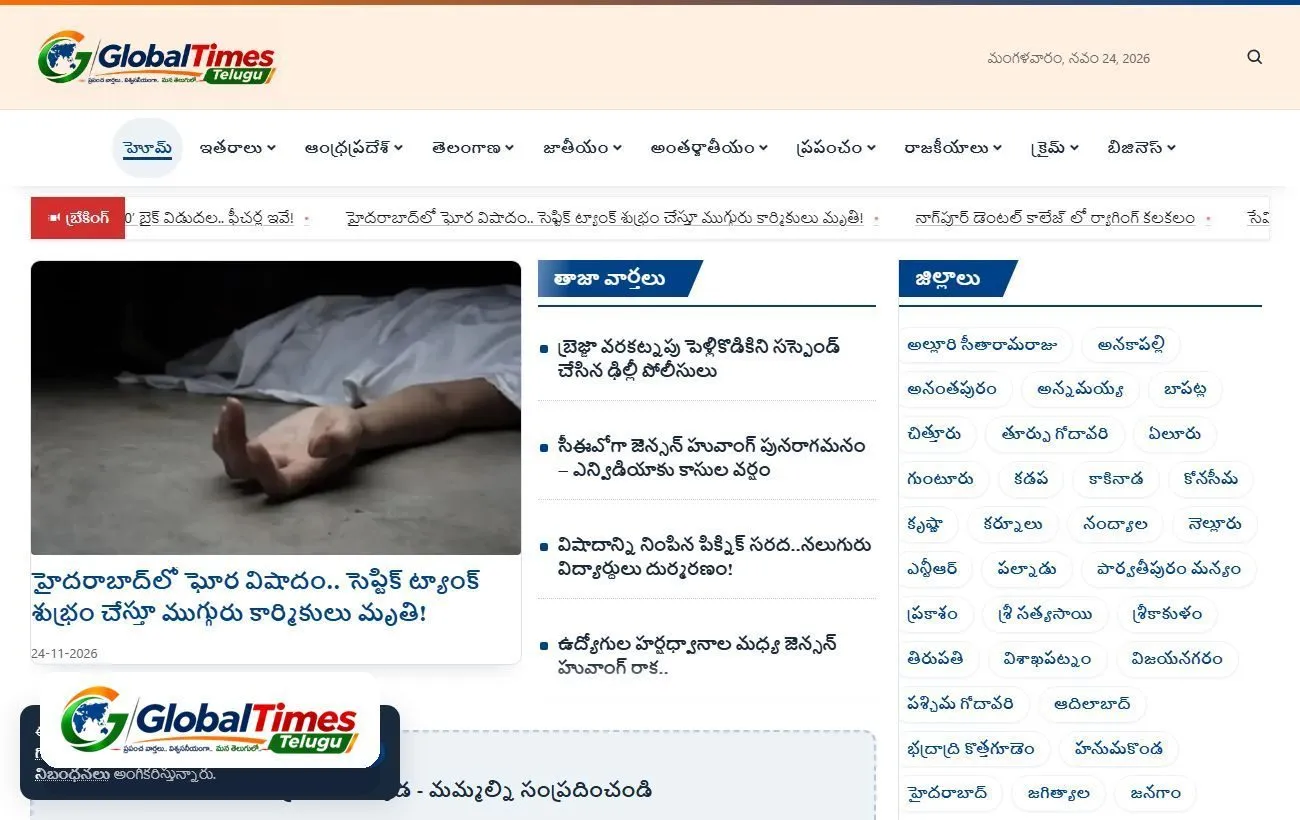
Every website on this page is running on its own address. Open one, read a few stories, then press Choose this demo and we set up a website like it for your brand, with your name, your logo and your domain.
On this page
Each button opens the demos of one language, with their own pictures and layouts.
A demo is a starting point, not a template you are stuck with. Your website gets your brand name, your logo, a colour scheme that fits your logo and your domain. What you are really choosing is the layout of the home page and the language of the website.
Start with the language. A Telugu website shows only Telugu words to readers and an English website only English words, so the choice is made once, at the start. If you publish in both languages, tell us when you order.
Then look at the layout. Open two or three demos on your phone as well as on a computer, because most of your readers will use a phone. Ask yourself which home page you would like to open every morning, and which one makes your own stories look best.
The sections you need, such as Politics, Crime, Sports or the districts of your area, are set up for your website at the start. A demo shows you how a menu with many sections and sub-sections looks and works, but your own sections can differ.
When you press Choose this demo the product page opens with that demo already selected in the order form. You can change it there if you change your mind.
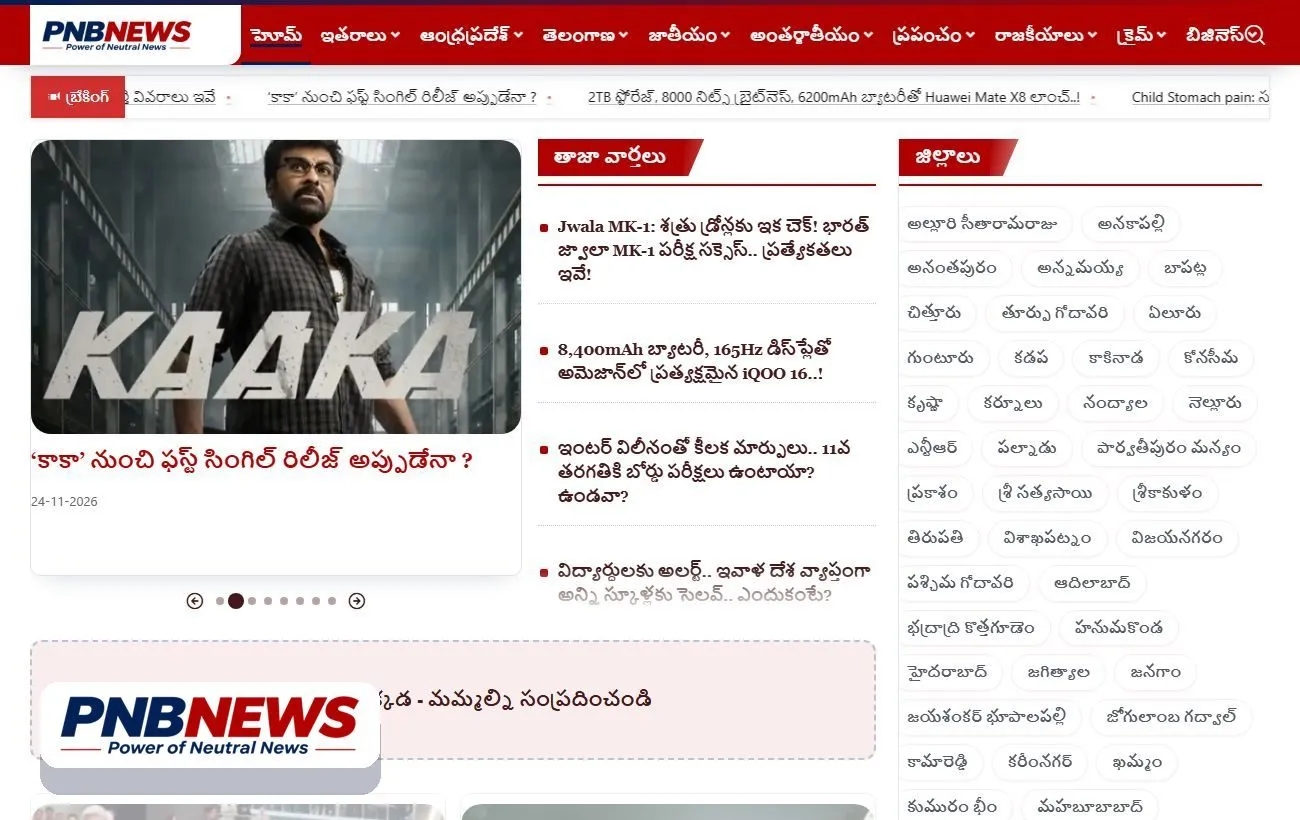
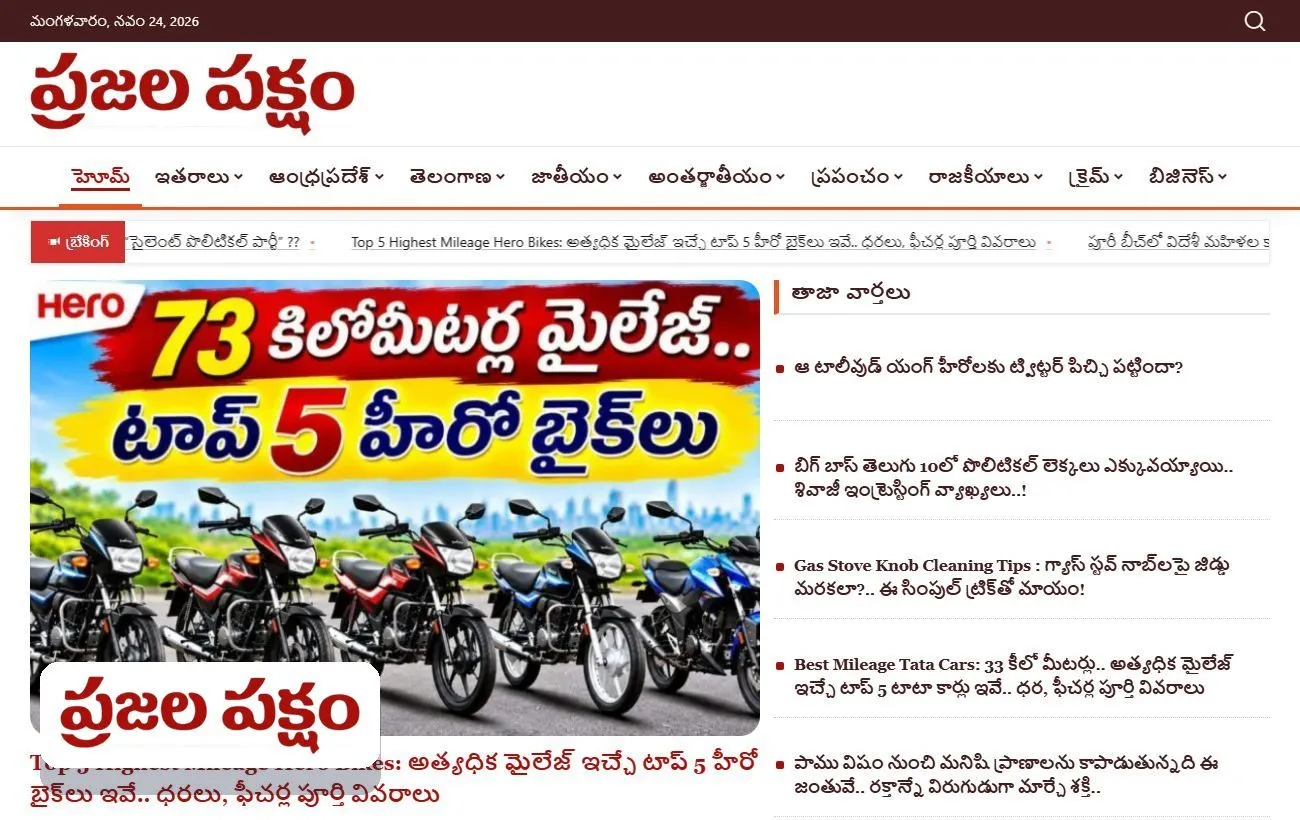
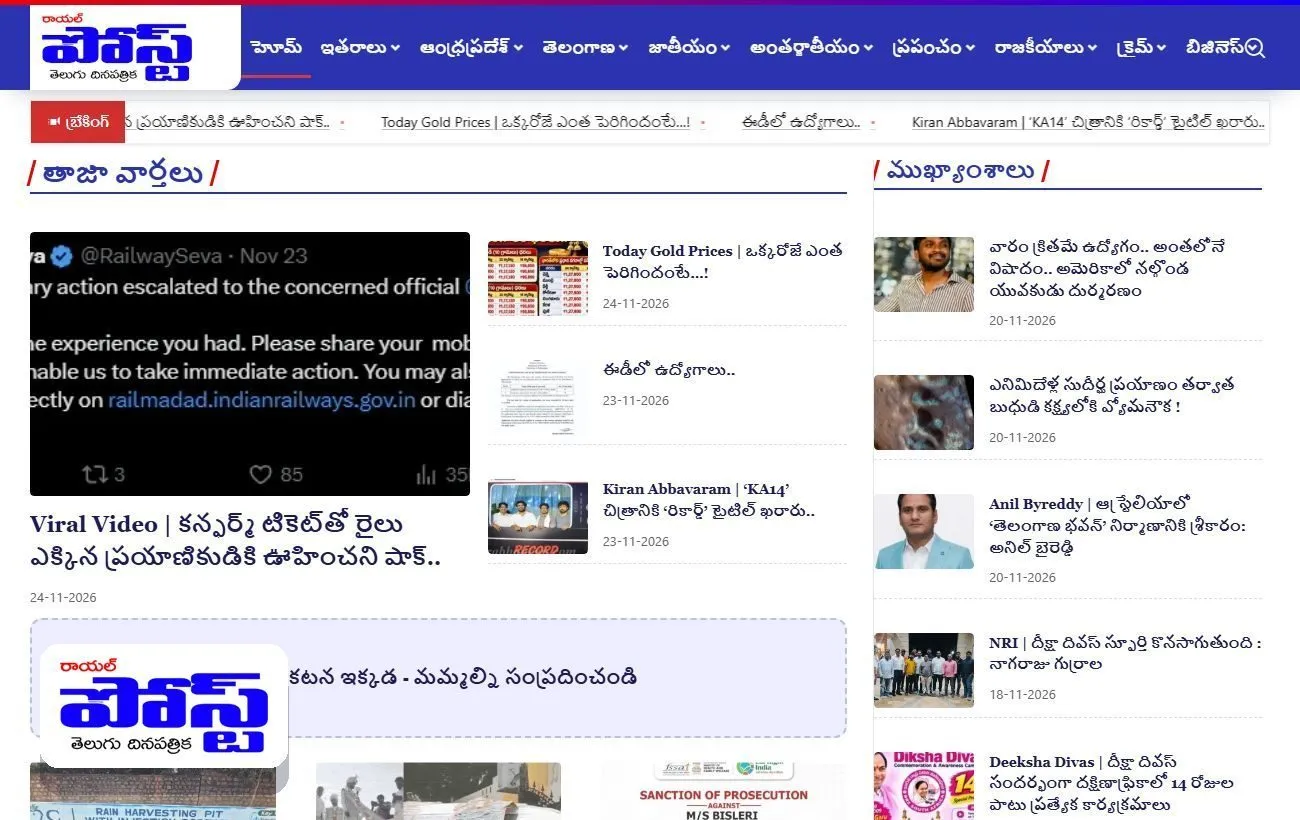
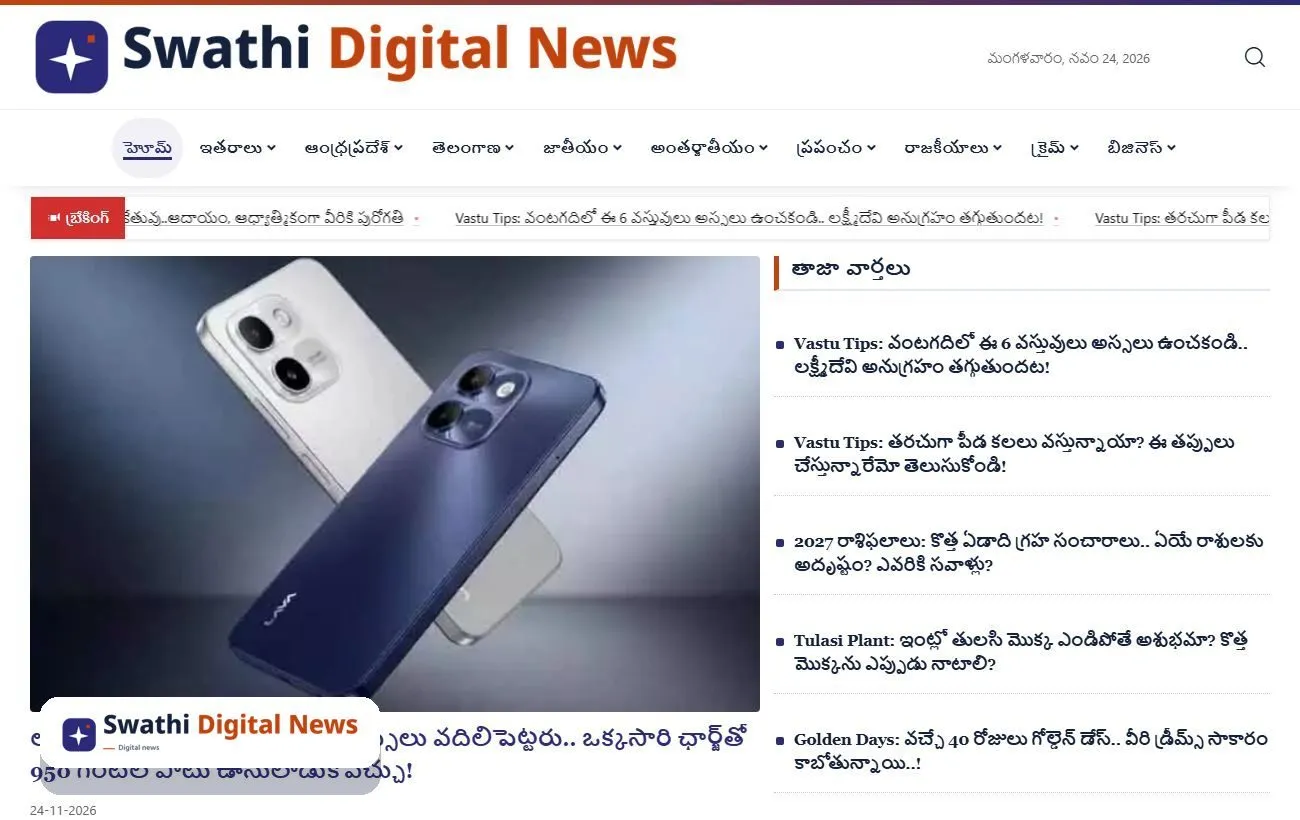
15 websites, each with its own logo, colours and layout.
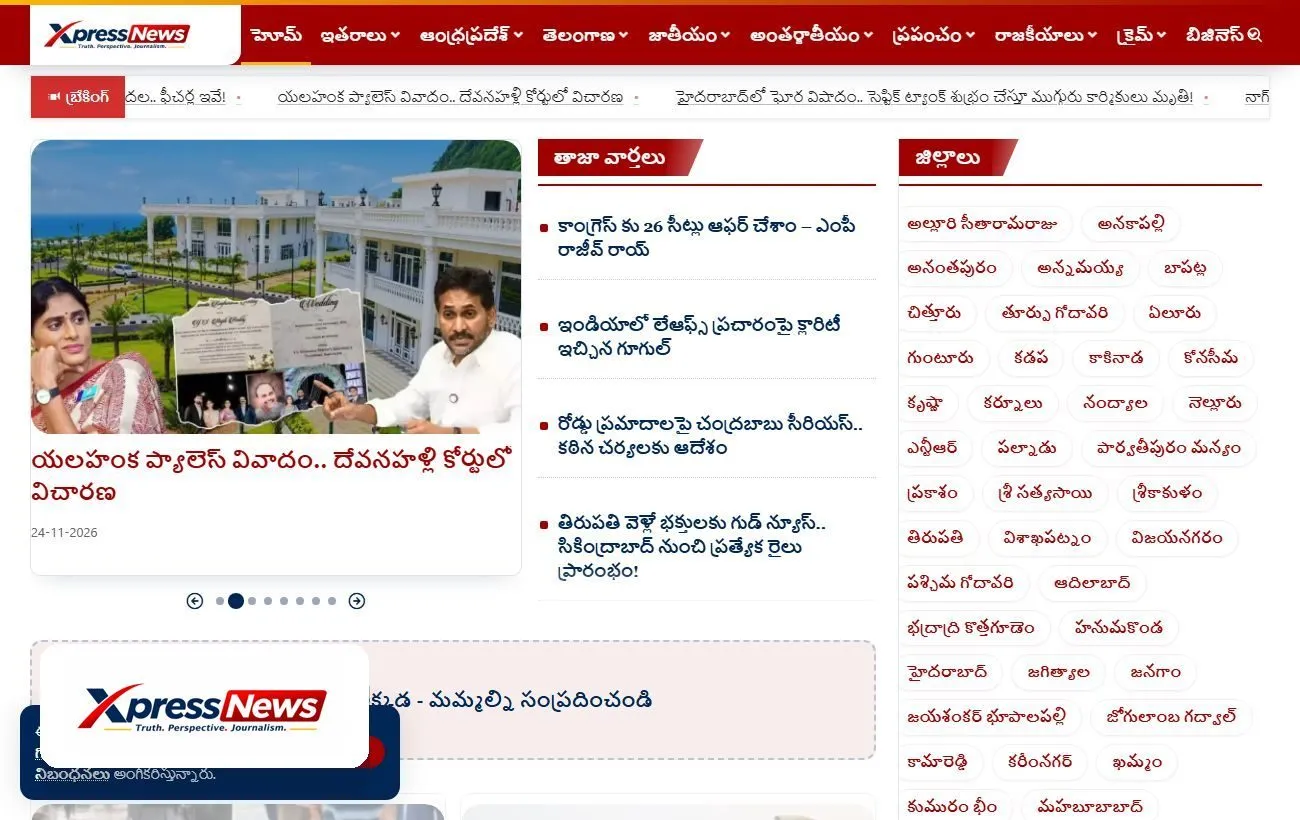
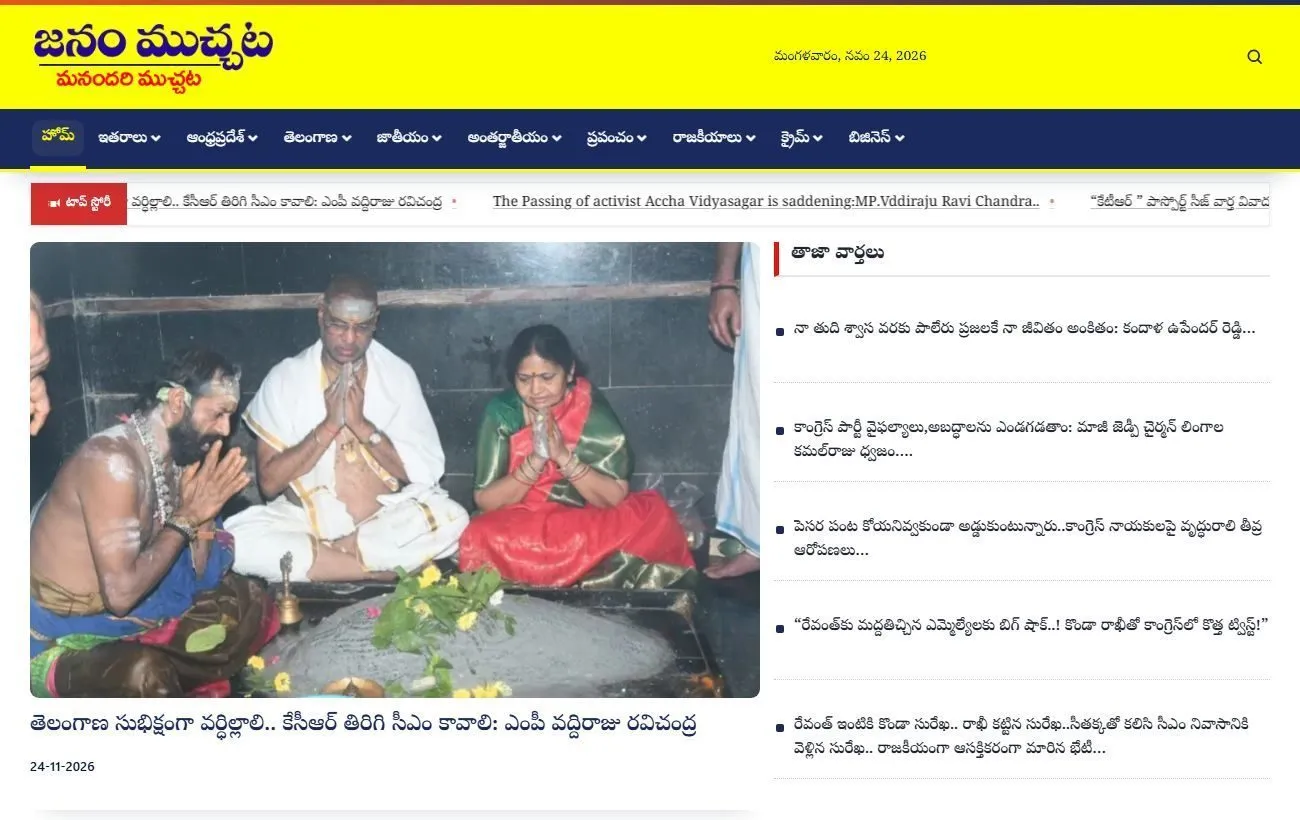
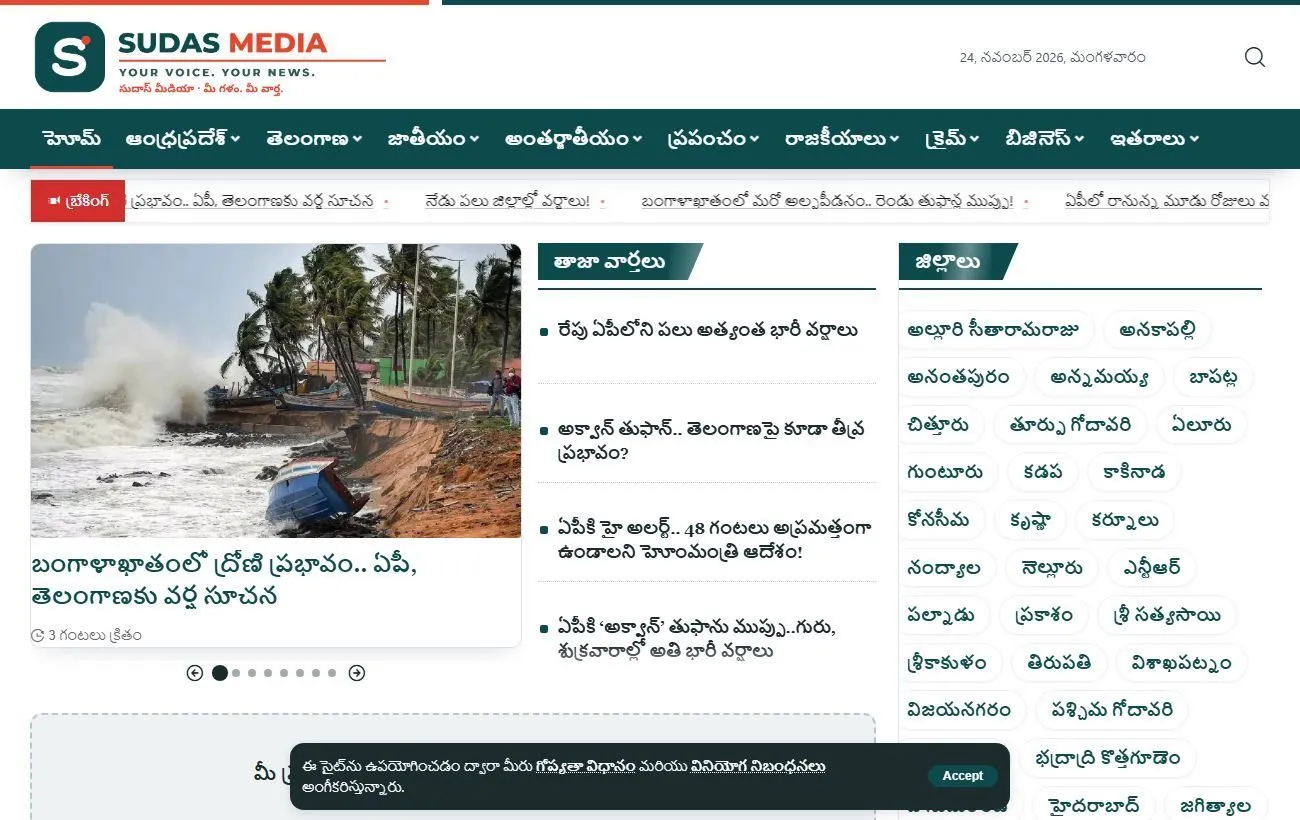
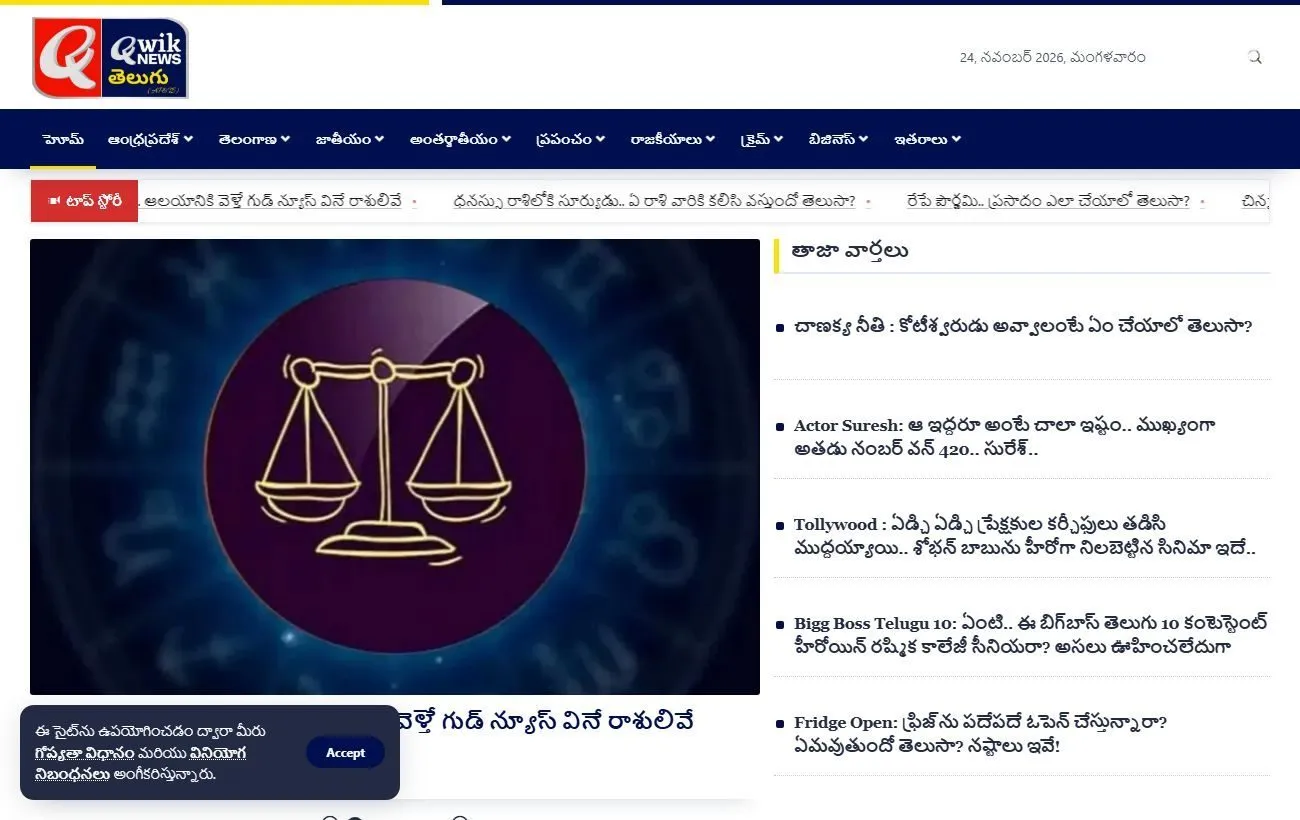
27 websites in Telugu. Open any of them as a reader would.
Telugu | Live website
Layout: Slider and headlines
13 Telugu websites on the OneNews platform.
2 e-paper websites. Upload a PDF edition and readers turn the pages.
Telugu | E-paper website
Layout: Edition viewer
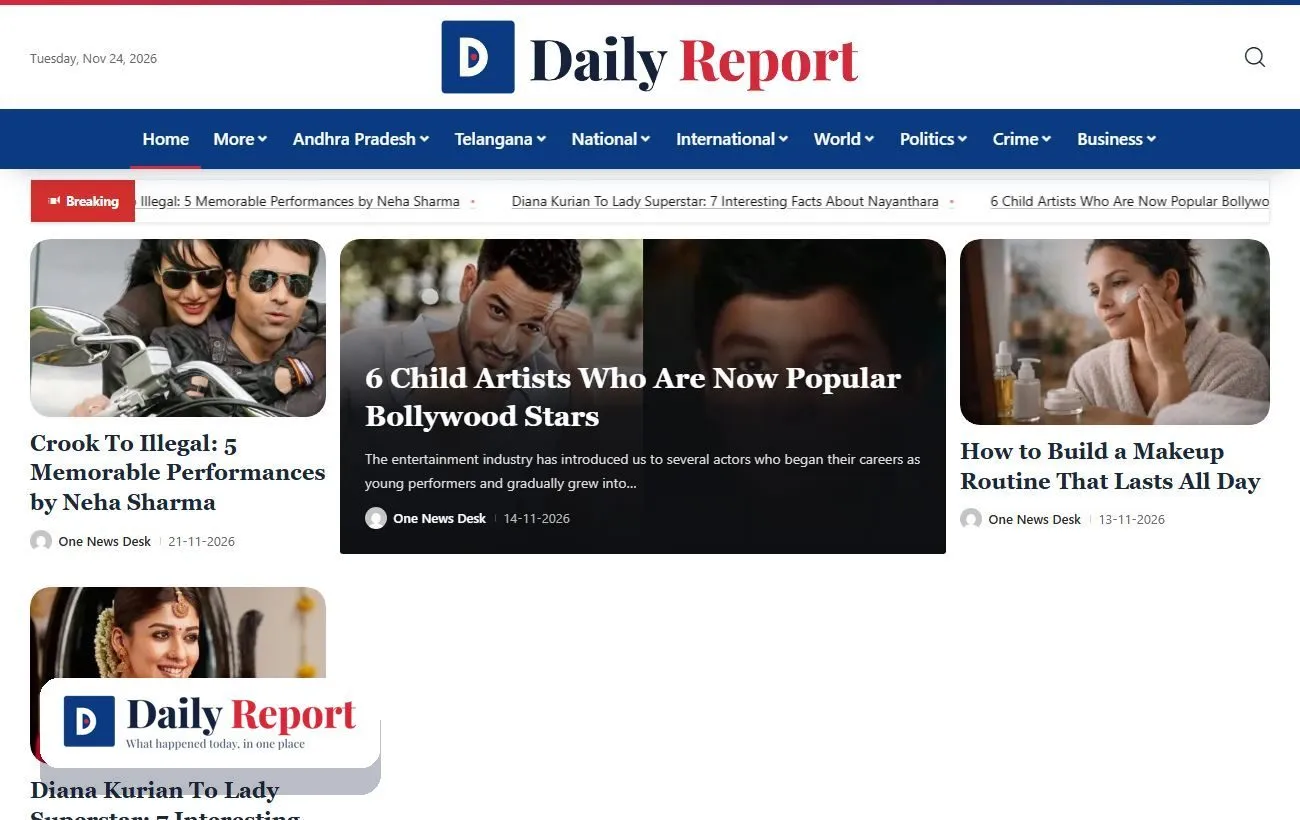
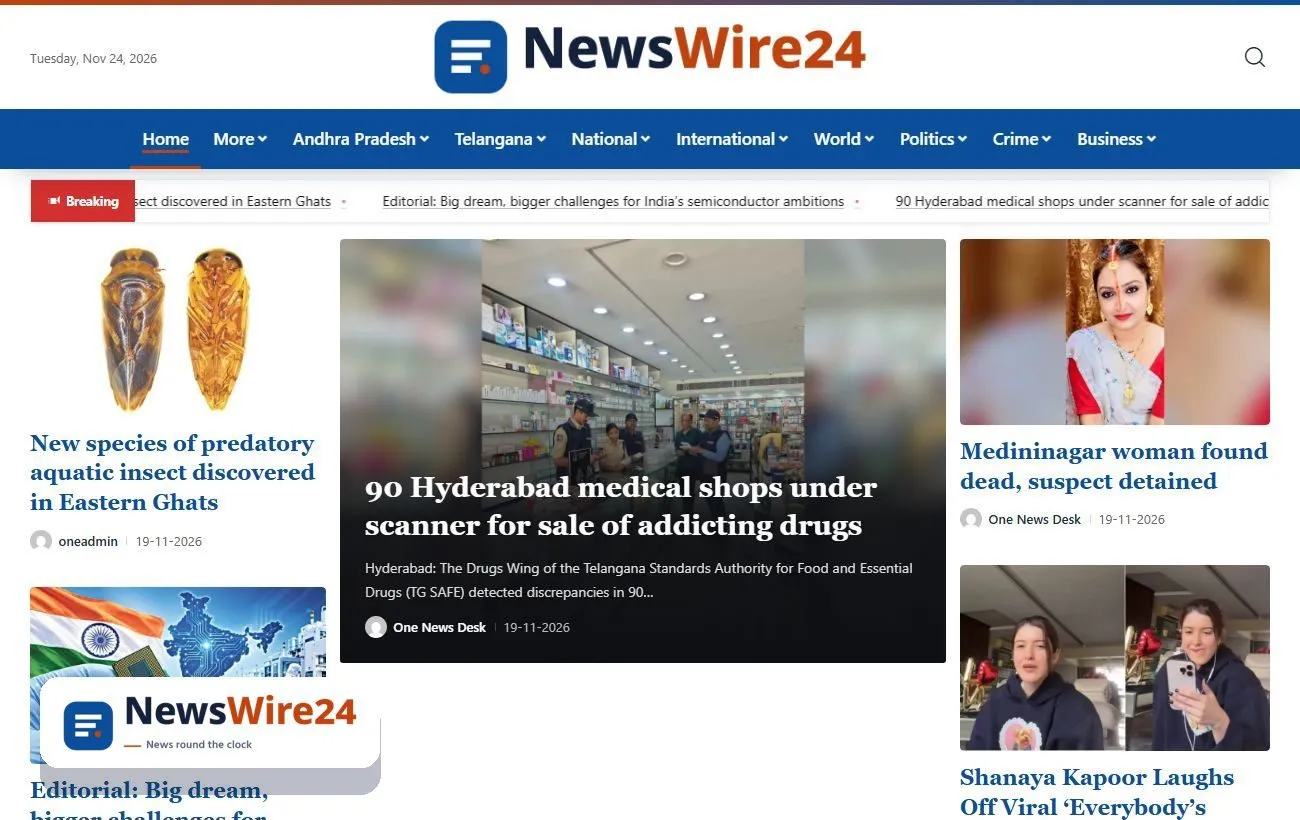
A wide lead story sits in the middle with two stories on each side. Below it come rows of four and five stories. It suits a general English news website that wants one clear main story.
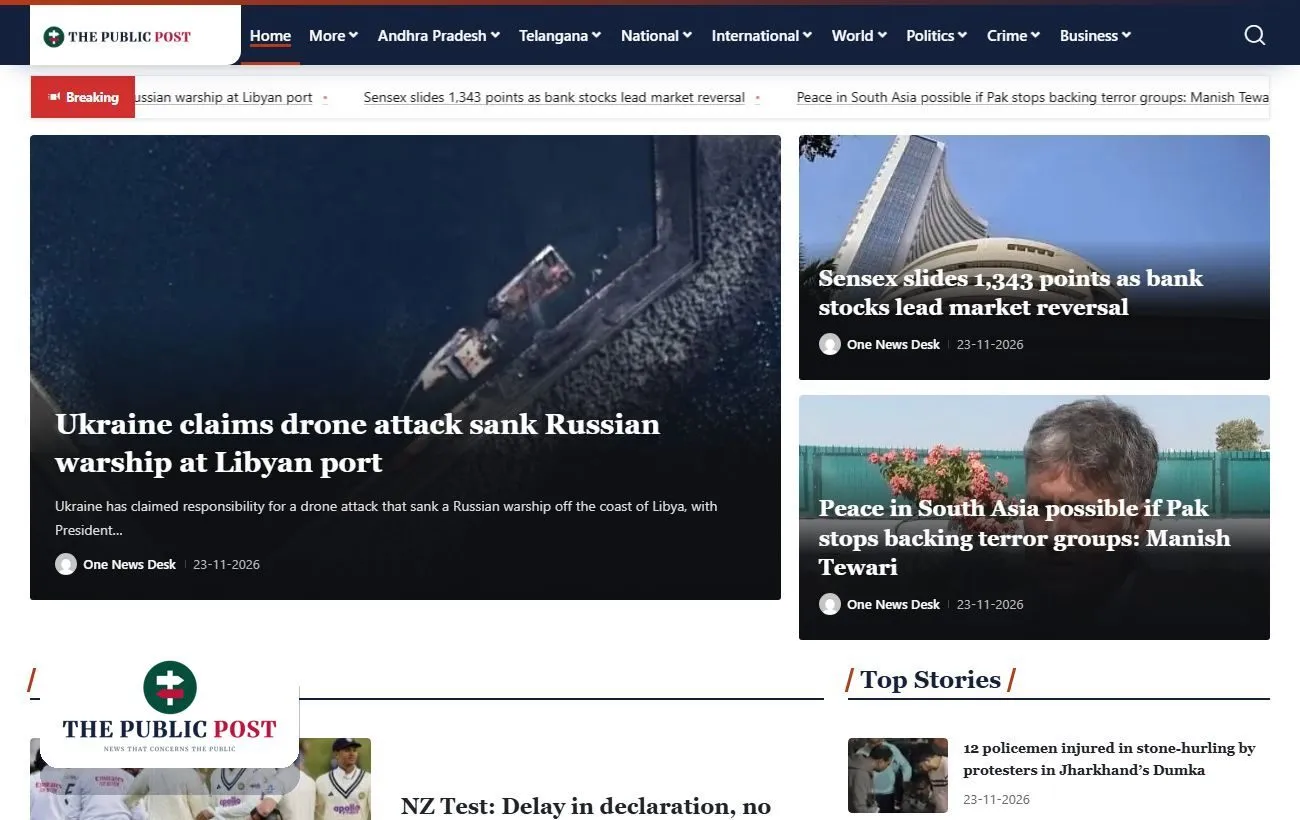
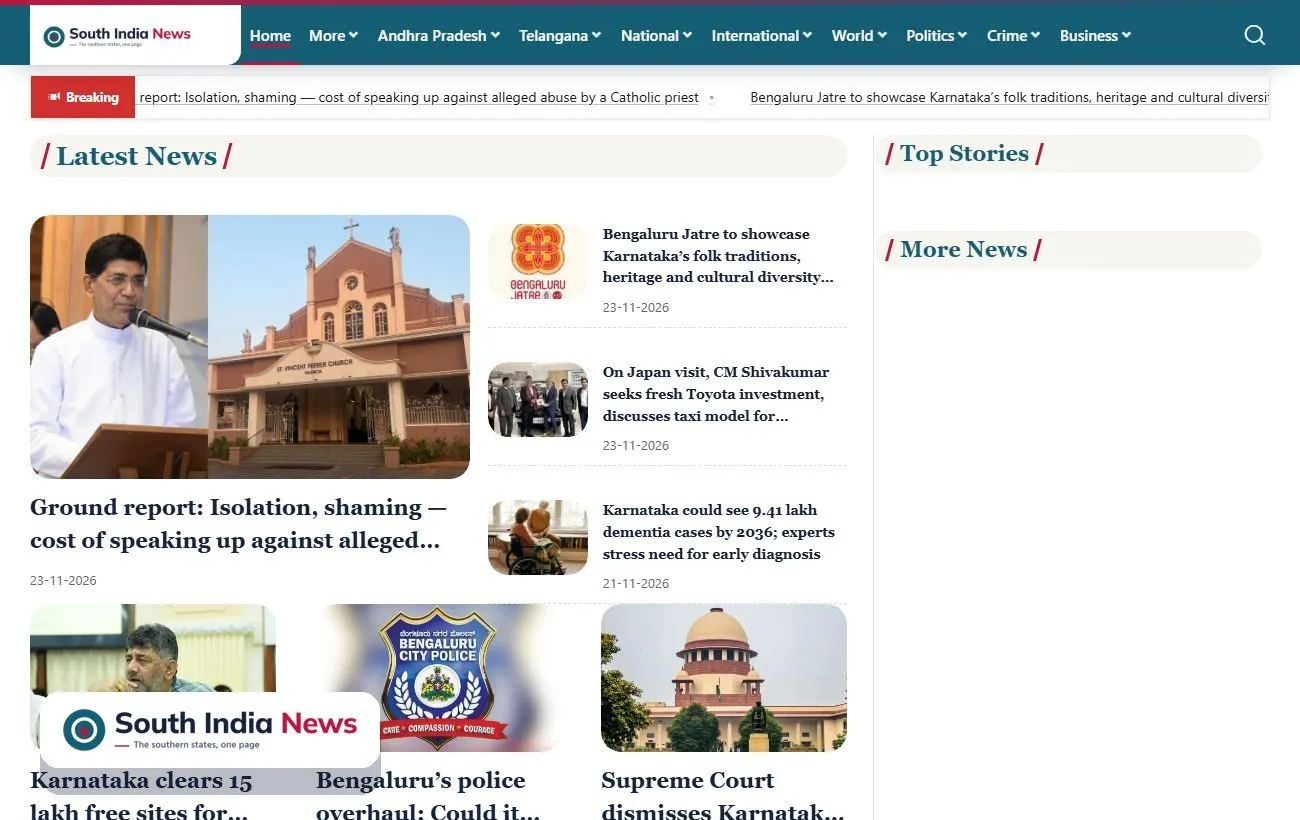
A large lead story with stories stacked beside it, then Latest News with small pictures next to a Top Stories list. It is the easiest layout for a new publisher to run, because every block fills itself from your latest stories.
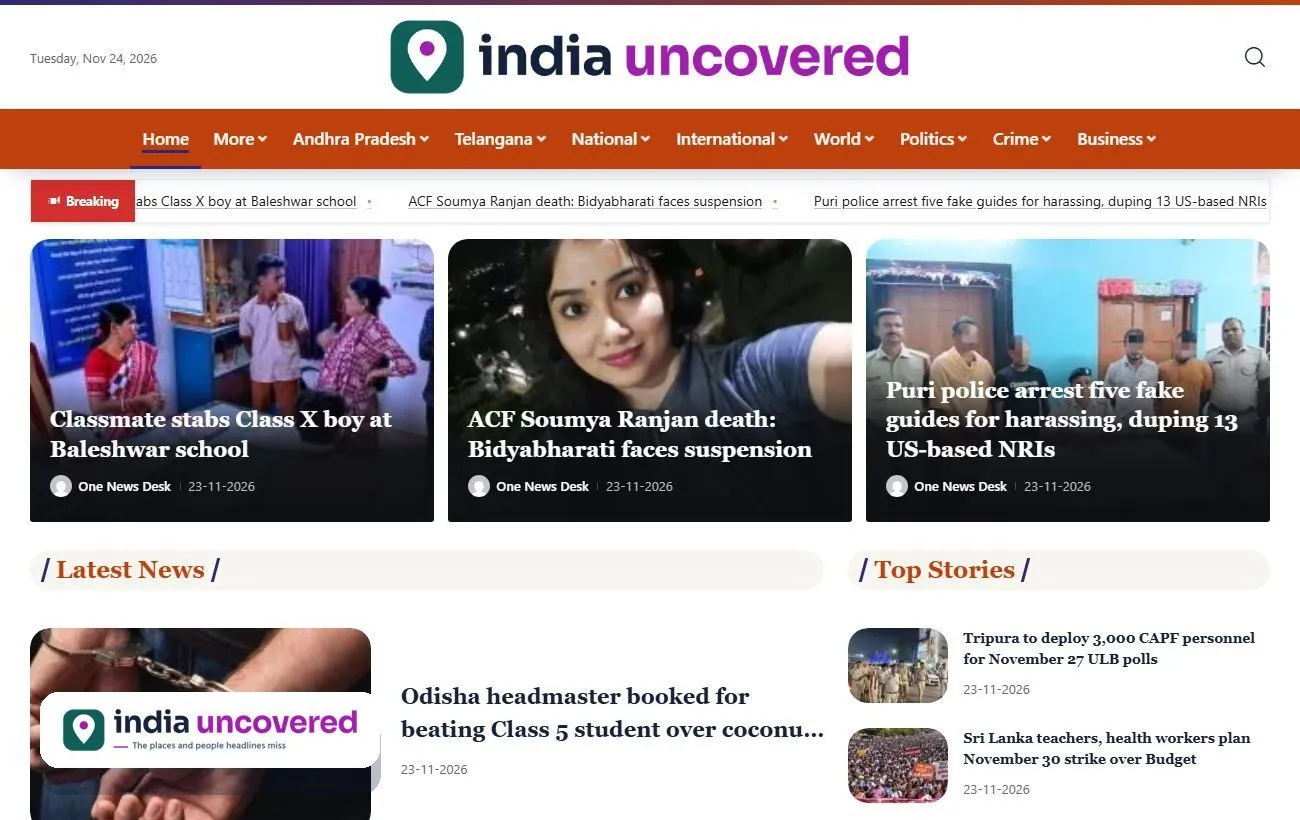
Three large picture stories run across the top of the page, with Latest News and Top Stories under them. It suits websites with strong photographs.
A lead story with a list of headlines beside it, boxed cards, one block for each section and a column on the right. It is the layout of a busy daily with many sections.
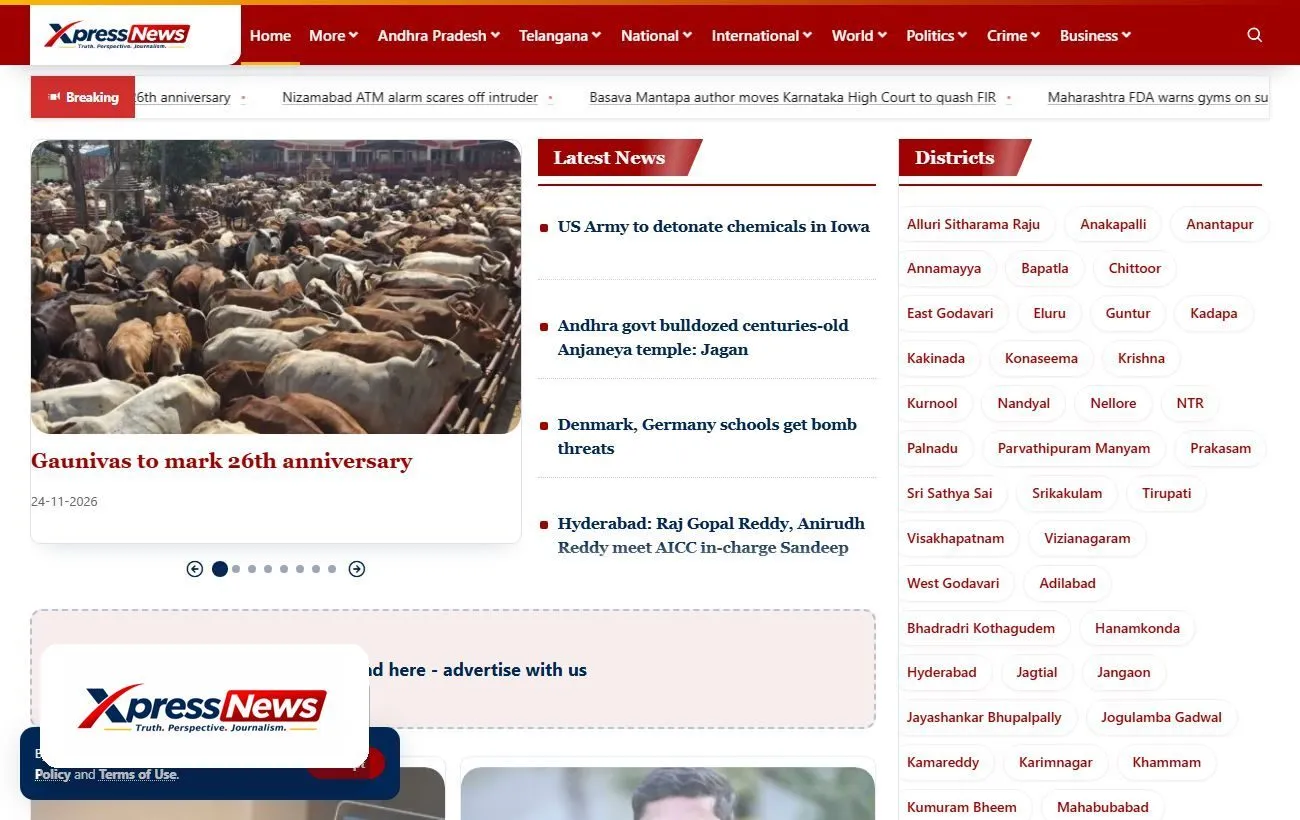
A story slider beside a Top Stories list, a strip of the latest stories, and then a main column with a sidebar. It gives readers several stories before they scroll.
A lead story with two stories stacked beside it, followed by Latest News beside Top Stories. It is calm and compact, for short reports.
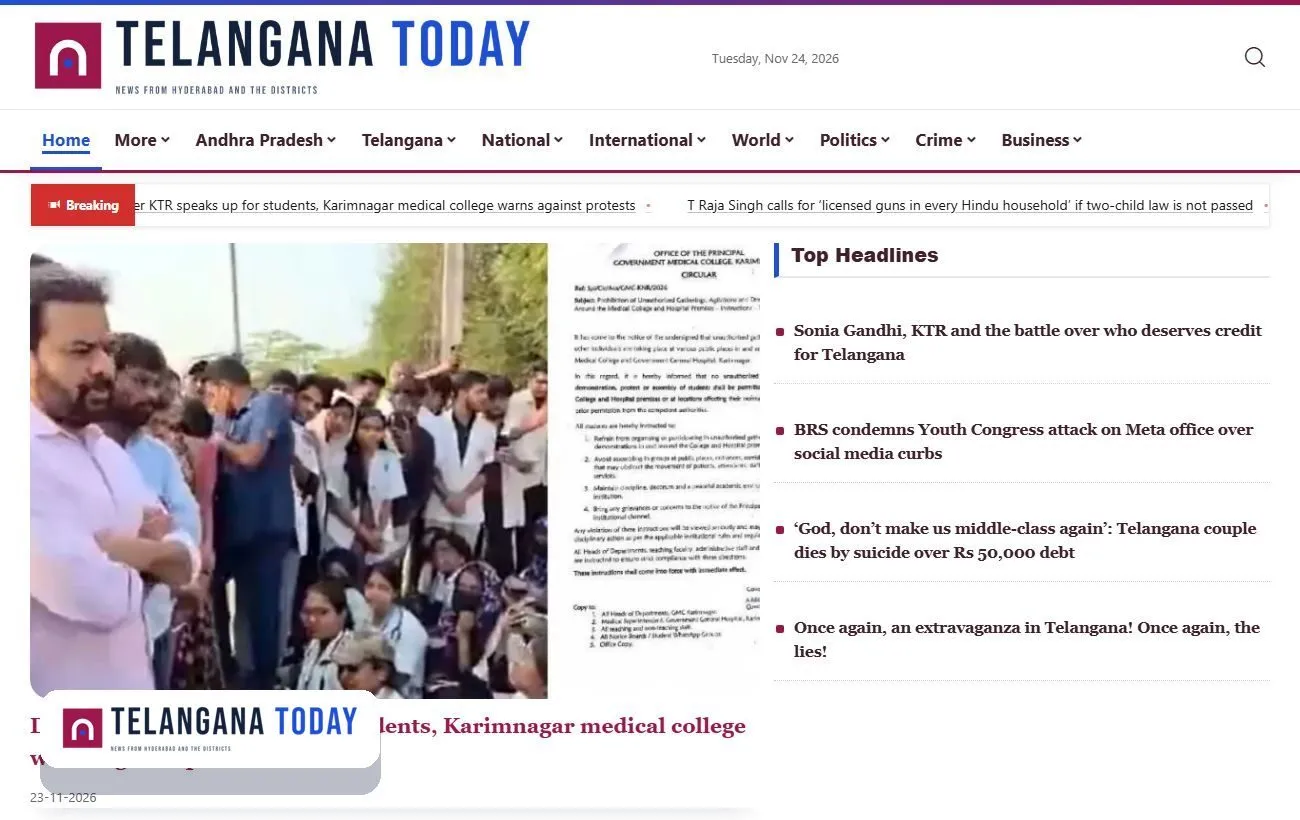
One big lead picture beside a list of Top Headlines, then rows of stories for each section. It puts the headline first.
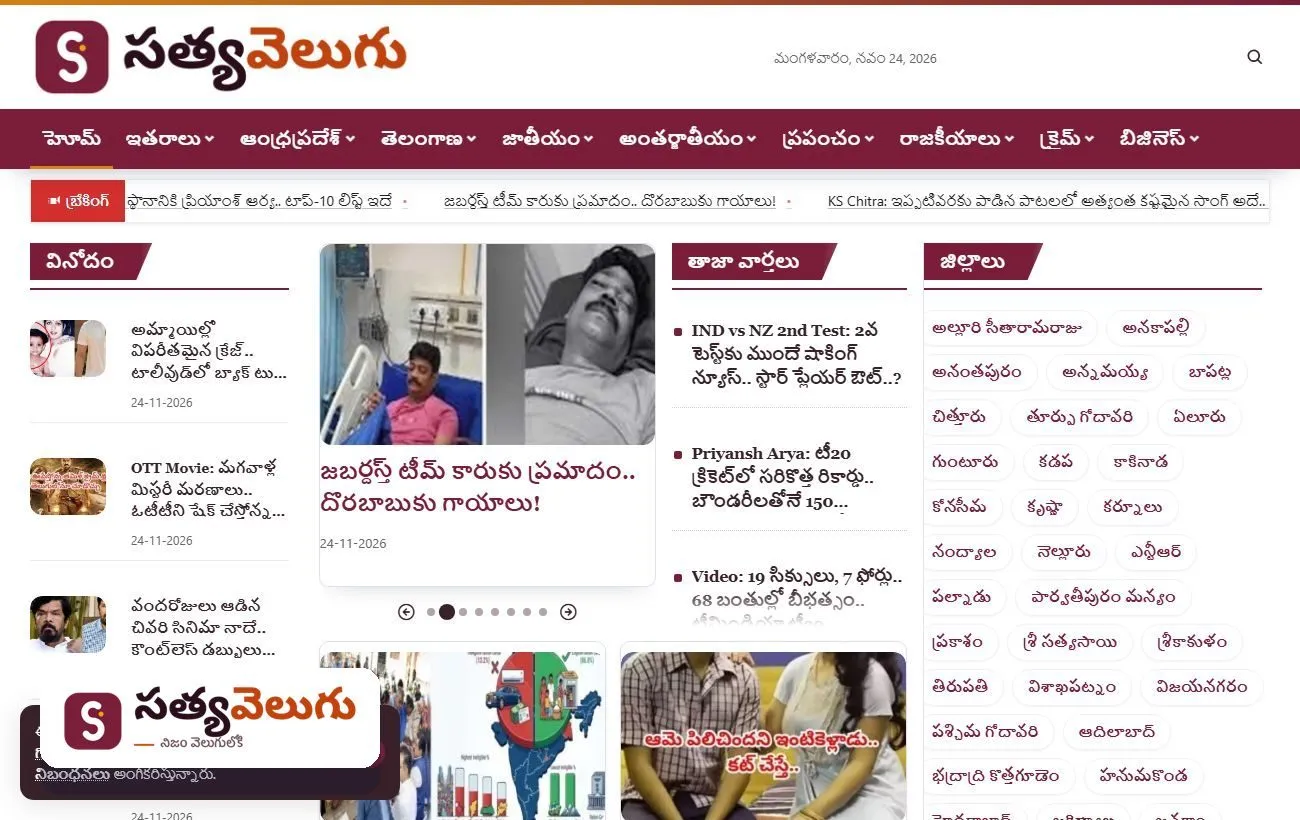
An auto-playing slider of top stories beside a headline list, then rows of four columns and a strip of stories. It suits a Telugu news website that wants a busy first screen.
A block for each state with links to its districts. It suits a regional publisher who reports state by state.
A lead story beside Top Headlines, then sections two to a row.
A Latest News lead with three headlines, a grid of three columns and a column on the right.
Columns of Latest News, Top News and Sports with short lists. It is the lightest layout and loads fast.
A list of stories with small pictures on the left, a hero in the middle and boxes on the right.
A ribbon header with sections two to a row.
A masthead header like a printed newspaper, with sections two to a row.
For e-paper websites only. An edition opens in a viewer and readers go through it page by page.
A demo shows the layout, the way the menus open, how a story page looks, how the footer is arranged and how the website behaves on a phone. These are the parts that you cannot imagine from a description.
The stories on a demo are not yours and will not be on your website. Your website starts with the stories you publish. The news on a demo is there so that the home page is not empty while you look at it.
Some demos belong to publishers who run them as live news websites. They are listed here so that you can see a OneNews website in real use. Your own website is a separate website with its own domain, its own login and its own content.
Colours and logos belong to each website and are not copied from one to another. Your website gets a palette that fits your logo, so that the logo is clearly visible on the header and the footer.
Press Choose this demo on its card, or call or WhatsApp 8885514134 and tell us which one you liked.
We use cookies to make this site work and, only if you agree, to remember your choices, count visits and show relevant ads. You can change your mind at any time. Privacy policy
Sign in with OTP, email, or password — secure and fast.
Passkeys are not supported in this browser.
Scan with your phone while logged in to approve this desktop session.
Waiting for mobile confirmation…
Don't have an account?
Join in under a minute with mobile OTP or email.
Already have an account?
Reset with your phone OTP or email.
Verify your mobile number to finish migrating your account.
We sent a verification link to your inbox. Open it to activate your account.
Enter the 6-digit code we emailed you.